
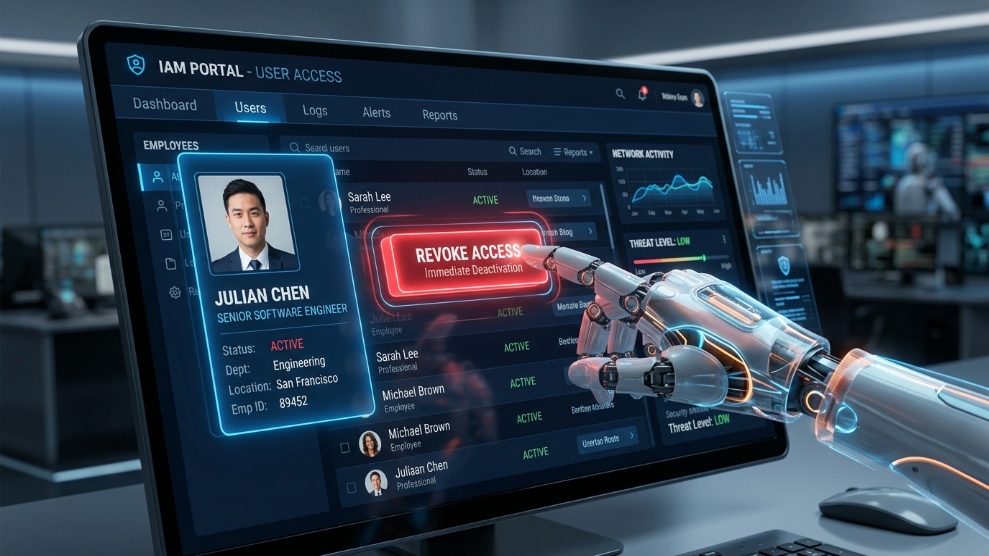
When a team member leaves your company, whether on good terms or bad, Human Resources usually handles the exit interviews, final paychecks, and equipment returns. However, in today’s digital-first business environment, the physical exit is only half the process. The digital exit—formally known as offboarding—is arguably much more critical to the survival of your company.
If a former employee retains access to your corporate email, social media accounts, or financial dashboards, your business is exposed to massive operational and legal risks. According to the Cybersecurity and Infrastructure Security Agency (CISA), insider threats caused by lingering digital access are a leading cause of corporate data breaches.
To protect your business assets, you must execute a clean, immediate digital break. Here is a comprehensive guide on how to safely revoke access when offboarding employees.
The Hidden Danger of the “Digital Ghost”
A “digital ghost” is a former employee whose accounts, permissions, and email forwarding rules remain active long after their last day. Even if the ex-employee has no malicious intent, leaving their accounts active creates a massive vulnerability. Hackers actively look for dormant employee accounts because they are rarely monitored. If a cybercriminal compromises a former employee’s old inbox, they can use it to reset passwords across your entire organizational network.
Furthermore, if you frequently securely share passwords with remote freelancers or contractors, tracking exactly who has access to what can become an administrative nightmare without a centralized system.
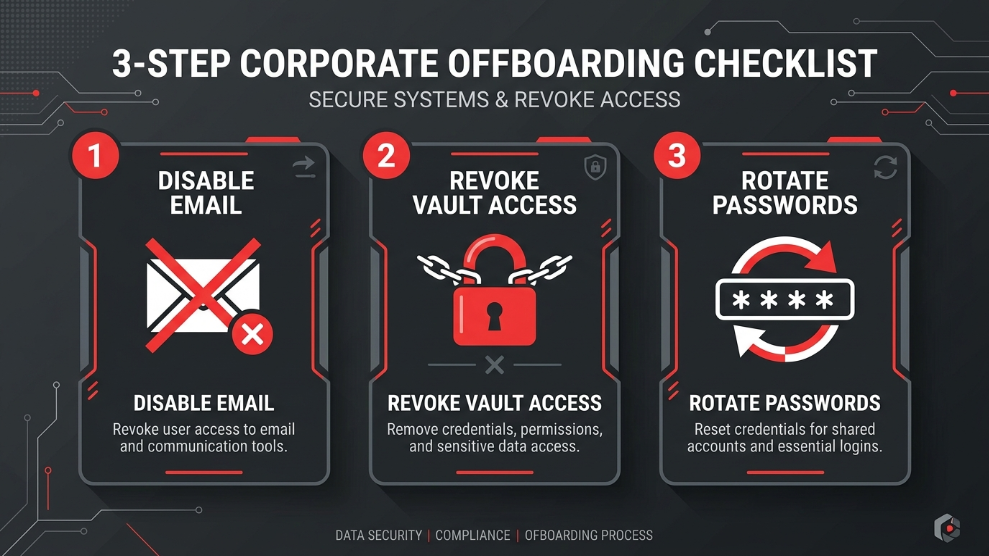
Step 1: Centralize and Revoke Vault Access
You cannot revoke access if you do not know exactly what the employee had access to. If your company relies on shared spreadsheets or direct messaging to hand out credentials, auditing an employee’s permissions during their exit is nearly impossible.
The safest way to manage this is by utilizing a centralized digital vault with Role-Based Access Control (RBAC). When you use an enterprise-grade solution like 1Password, offboarding becomes a one-click process. Instead of hunting down individual website logins, the administrator simply removes the departing employee’s email address from the team dashboard. This instantly cuts off their access to all shared company folders and credentials, ensuring no proprietary data leaves the building.
Step 2: Rotate Shared Credentials Immediately
Revoking an employee’s access to the company vault is crucial, but it does not solve the problem of human memory. If an employee used a shared password every day for two years, they might have memorized it or written it down in a personal notebook.
As a strict cybersecurity rule, you must rotate (change) the passwords of any shared accounts the departing employee had access to. This includes overarching social media accounts, shared software licenses, and website hosting portals. Manually changing dozens of passwords can be incredibly tedious for your IT team. To speed up this process, many agencies rely on platforms like Dashlane, which features a proprietary bulk password changer that can automatically update multiple compromised credentials simultaneously.
Step 3: Secure the Primary Email and SSO
The employee’s company email address is the master key to their digital identity. If they retain access to their email, they can simply hit “Forgot Password” on any third-party service and regain entry.
On their final day, immediately block their login access to the primary email server (like Google Workspace or Microsoft 365). Do not immediately delete the email account, as you may lose critical business correspondence. Instead, reset the password, convert it to a shared mailbox, and forward incoming emails to their manager to ensure continuity of business operations.
Additionally, immediately disable their profile in your Single Sign-On (SSO) provider and revoke any active VPN (Virtual Private Network) certificates tied to their devices.
Final Thoughts
Offboarding should never be an afterthought or a frantic scramble. By establishing a strict, standardized digital offboarding checklist, you protect your company from internal sabotage and external data breaches. Investing in centralized access management tools today will save your business from a catastrophic security failure tomorrow.

Munir is a digital security researcher and software reviewer
with over 5 years of experience testing privacy tools, parental
control applications, and cybersecurity software. He founded
Tech Monitor Pro to provide honest, hands-on reviews that help
families and professionals make smarter decisions about the
tools they use online. When he is not testing the latest VPN
or email verification platform, he writes practical guides on
digital safety and online privacy.