
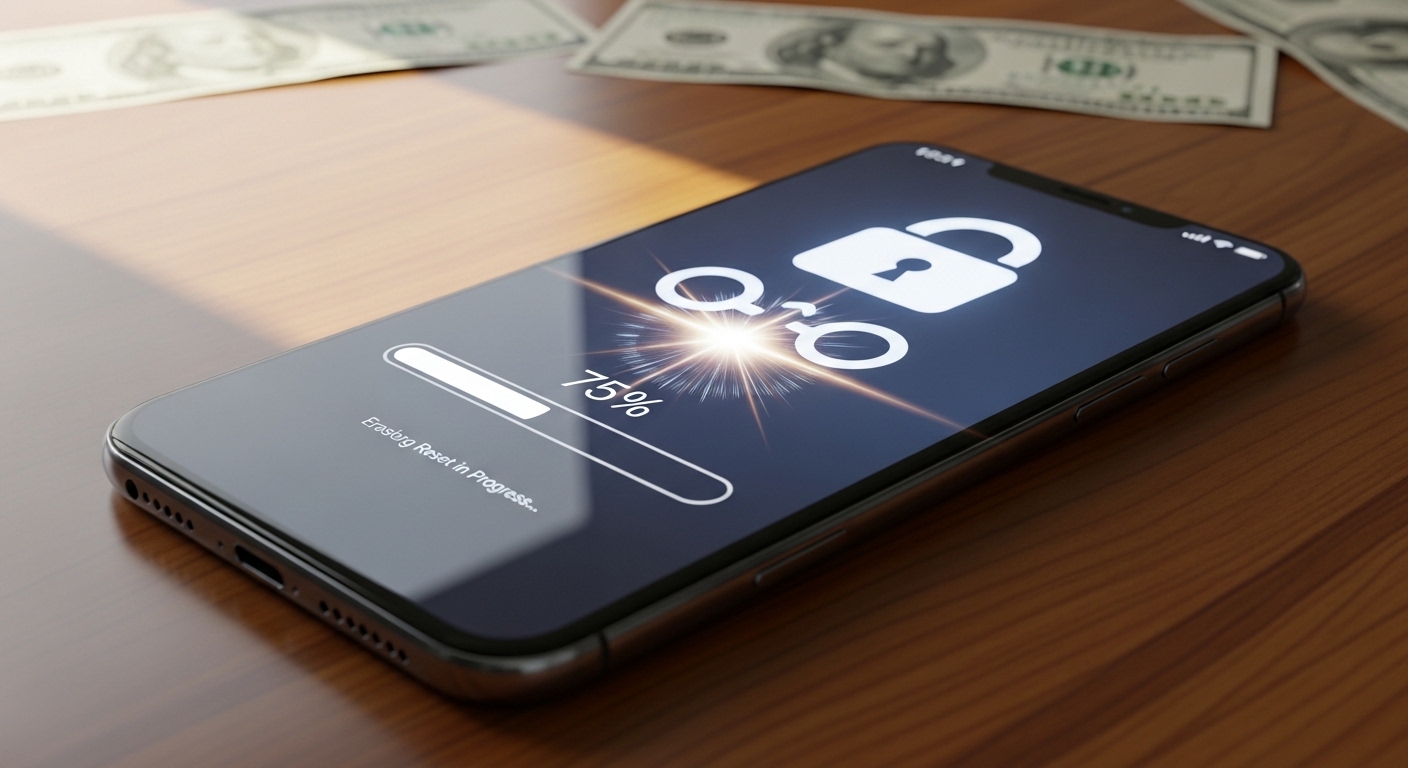
Upgrading to a new smartphone is always an exciting experience. The camera is better, the battery lasts longer, and the screen is brighter. To help pay for that shiny new device, most of us choose to trade in or sell our old phones.
However, before you hand your old device over to a stranger on the internet or trade it in at a mobile store, you must ask yourself a critical question: Do you really know how to wipe your phone before selling it securely?
Deleting your photos and logging out of your email is simply not enough. In 2026, data recovery software is incredibly cheap and easy to use. If you do not wipe your device properly, the next owner could easily plug it into a computer and recover your deleted text messages, private gallery photos, and even your saved banking passwords.
Your smartphone holds your entire digital identity. Handing it to a stranger without properly destroying the data is a massive cybersecurity risk.
In this comprehensive, step-by-step guide, we will walk you through exactly how to wipe your phone before selling it. Whether you are using an Apple iPhone or a Google Android device, these steps will ensure your private life stays private, allowing you to sell your phone with total peace of mind.
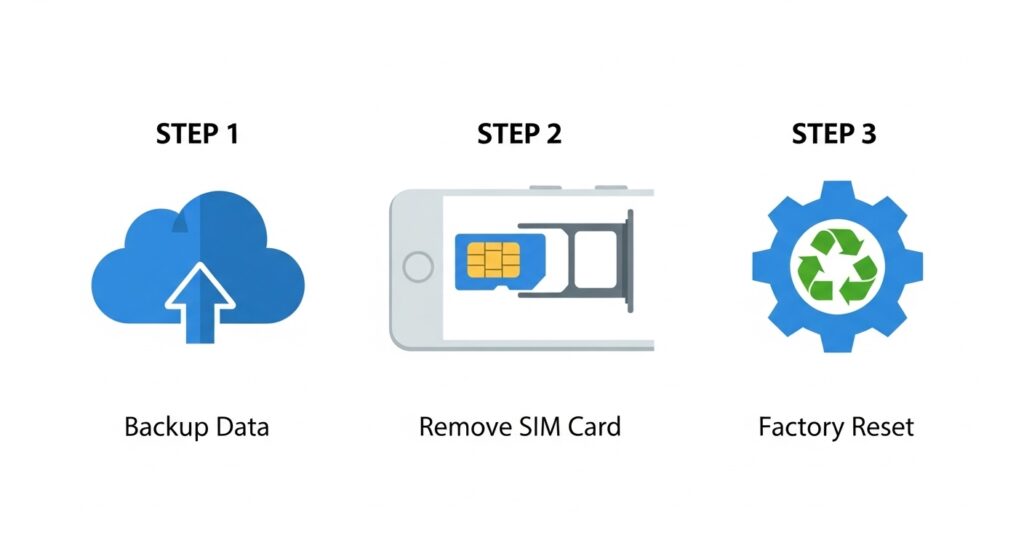
Step 1: The Essential Backup
Before you even think about learning how to wipe your phone before selling it, you must ensure your data is safe. Once a secure factory reset is performed, there is no going back.
If you haven’t already, you need to back up your contacts, photos, and app data to the cloud. We highly recommend following the “3-2-1 Backup Rule.” If you are unsure how to do this correctly, read our complete tutorial: How to Backup Your Digital Life: A Step-by-Step Guide.
Once your data is safely backed up to iCloud or Google Drive, you can proceed to the physical preparation.
Step 2: Remove SIM Cards and Unpair Devices
Your phone’s hardware contains physical items that store data or link to your personal accounts. You must remove them before the software wipe.
- Remove the SIM Card: Use a paperclip or a SIM ejector tool to pop out the SIM tray. Your SIM card holds your phone number and sometimes a backup list of your contacts. Never sell a phone with your SIM card still inside.
- Remove the MicroSD Card (Android Only): If your Android phone has expandable storage, remove the memory card. This card often holds gigabytes of your personal photos and downloaded files.
- Unpair Bluetooth Devices: If you own a smartwatch (like an Apple Watch or Galaxy Watch), go into your phone’s settings and unpair the device. This severs the connection between your old phone and your wearable tech.
Step 3: How to Wipe Your Phone Before Selling It (iOS/iPhone)
Apple has made the process of wiping an iPhone incredibly secure. Because all modern iPhones are encrypted by default, the wipe process destroys the encryption key, making your data mathematically impossible to recover.
Here is how to wipe your phone before selling it if you are an Apple user:
- Sign Out of iCloud: This is the most crucial step. If you do not sign out, the phone will remain “Activation Locked,” and the new buyer will not be able to use it. Go to Settings, tap your name at the top, scroll to the very bottom, and tap Sign Out. You will need to enter your Apple ID password to turn off “Find My iPhone.”
- Deregister iMessage (If switching to Android): If your new phone is an Android, go to Settings > Messages and toggle iMessage OFF. This ensures your future text messages do not get stuck in Apple’s servers.
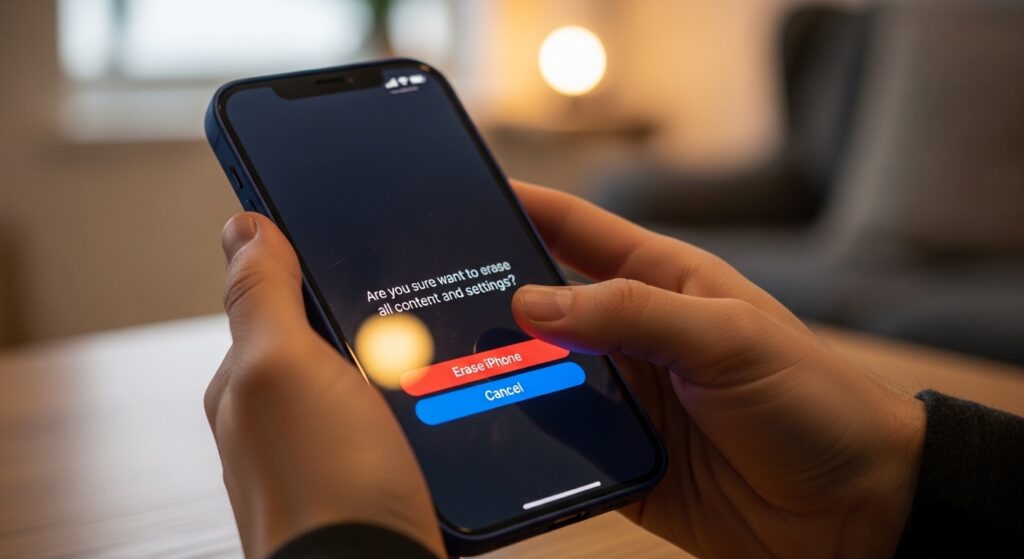
- Erase the Device: Go to Settings > General > Transfer or Reset iPhone.
- Tap Erase All Content and Settings.
- The phone will ask for your passcode one last time. Confirm the action. The Apple logo will appear with a loading bar, and within a few minutes, the phone will restart on the “Hello” setup screen. It is now perfectly safe to sell.
(For official Apple documentation, you can review Apple’s What to do before you sell your iPhone guide).
Step 4: How to Wipe Your Phone Before Selling It (Android)
Android phones vary slightly depending on the manufacturer (Samsung, Google, Motorola), but the core security steps remain exactly the same.
- Remove Your Google Account (Crucial): Just like Apple’s Activation Lock, Android has “Factory Reset Protection” (FRP). If you wipe the phone without signing out, the next owner will be locked out. Go to Settings > Passwords & Accounts. Tap on your Google account and select Remove Account. Do this for any Samsung accounts as well.
- Encrypt the Data (For Older Phones): If your Android is running a very old operating system (Android 5 or older), the data might not be encrypted by default. Go to Settings > Security > Encrypt Phone. (If you have a modern phone from the last 5 years, it is already encrypted, and you can skip this step).
- Perform the Factory Reset: Go to Settings > System > Reset Options (On Samsung, this is usually under General Management > Reset).
- Select Erase all data (factory reset).
- Enter your PIN to confirm. The phone will reboot, wipe the encryption keys, and start up on the initial welcome screen.
A Warning About Second-Hand Phones and Kids
Selling a phone securely protects your data, but what if you are on the buying end? Many parents buy second-hand or refurbished phones to give to their children as a first device.
If you are handing a used phone to a child, a clean factory reset is just the beginning. You must immediately secure the device against the dangers of the internet. Children need digital boundaries.
Before handing over the wiped phone, we highly recommend installing a robust safety application. Tools like Parentaler act as a digital shield, automatically blocking adult websites and allowing you to set healthy screen time limits. If you need a more advanced solution with AI-driven danger alerts, Eyezy is an incredibly budget-friendly option that monitors social media chats for cyberbullying.
Taking ten minutes to install proper protection on a used phone is the best way to keep your child safe in a digital world.
Conclusion: Do Not Rush the Process
When a buyer is waiting to hand you cash, it is tempting to just hit “delete” on a few photos and hand the phone over. Do not make this mistake.
Understanding exactly how to wipe your phone before selling it is a non-negotiable modern life skill. By taking the extra five minutes to sign out of your cloud accounts, remove your physical SIM card, and execute a proper factory reset, you permanently sever the link between the physical hardware and your private digital life.
Protect your identity, secure your data, and enjoy your new upgrade with total peace of mind!

Munir is a digital security researcher and software reviewer
with over 5 years of experience testing privacy tools, parental
control applications, and cybersecurity software. He founded
Tech Monitor Pro to provide honest, hands-on reviews that help
families and professionals make smarter decisions about the
tools they use online. When he is not testing the latest VPN
or email verification platform, he writes practical guides on
digital safety and online privacy.