
How many online accounts do you currently have? Between your email, banking, social media, streaming services, and online shopping portals, the average person in 2026 juggles over 100 different digital accounts.
If you are like most people, you handle this overwhelming digital burden in one of two ways. You either use the exact same password for everything (like “Sunshine123!”), or you write your passwords down on a sticky note attached to your computer monitor. Both of these habits are massive cybersecurity risks waiting to be exploited by cybercriminals.
You have probably heard tech experts recommend using a specific software tool to solve this problem, but you might still have questions. Getting password managers explained in plain English is the first step toward true digital security.
You might be wondering: Is it really a good idea to put all my digital keys into one single basket? What happens if the company gets hacked? Will I lose access to my entire life?
In this comprehensive guide, we will break down exactly how these tools work, the military-grade encryption that protects them, and why they are universally considered the safest way to manage your digital life today.
Password Managers Explained: What Exactly Are They?
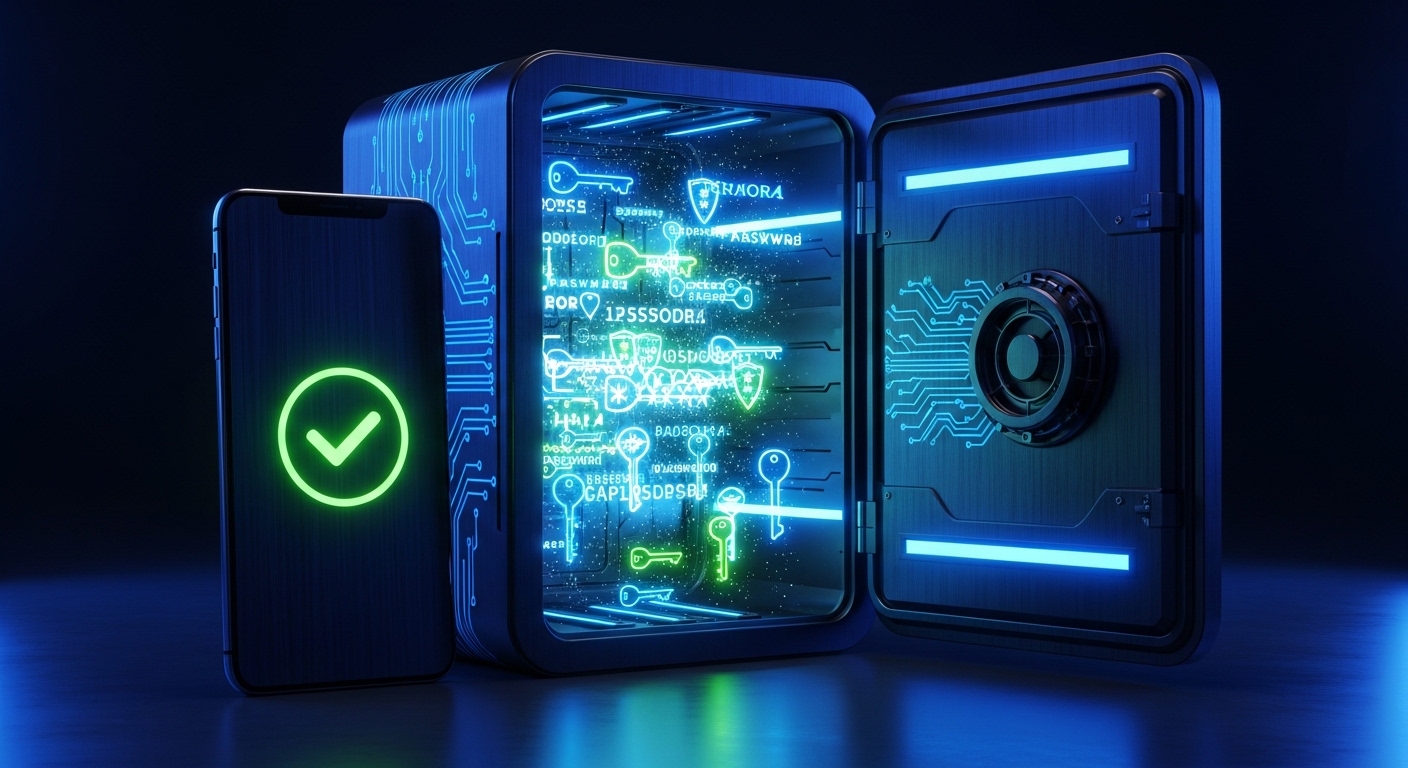
To put it simply, a password manager is a highly secure, encrypted digital vault. It is a software application that you install on your smartphone, tablet, and computer.
Instead of forcing your brain to remember 100 different, complex passwords, the manager remembers them for you. When you visit a website like Amazon or your bank, the software automatically fills in your username and password for you.
The only thing you ever have to remember is one single, strong password—known as your Master Password. This acts as the heavy steel door to your digital vault. Once you open the door with your Master Password, the software handles the rest.
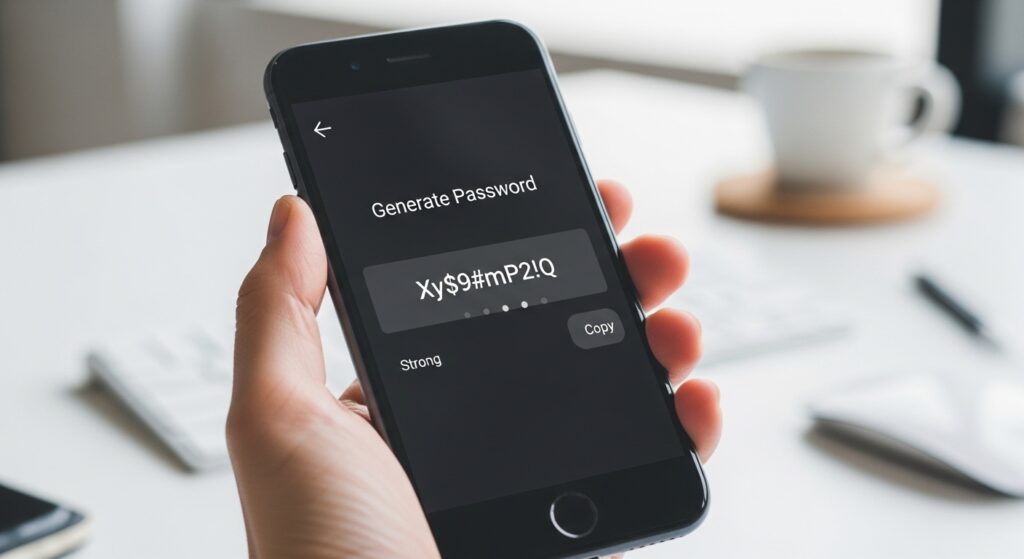
Beyond just remembering your logins, these tools feature built-in “Generators.” When you create a new account, the app will instantly generate a mathematically complex, uncrackable password (something like gH7!kP9$vM2) and save it directly into your vault.
The Big Question: Are Password Managers Safe?
When getting password managers explained, the most common objection is always the same: “If I put all my passwords in one app, and a hacker breaches that app, don’t they get everything?”
It is a completely logical fear. In fact, major companies like LastPass have experienced highly publicized security breaches in the past. However, to understand why your data remains safe even during a corporate hack, you must understand a concept called Zero-Knowledge Architecture.
The Power of Zero-Knowledge Encryption
When you create an account with a top-tier provider (like 1Password, Bitwarden, or Dashlane), your passwords are not simply saved on their corporate servers in plain text.
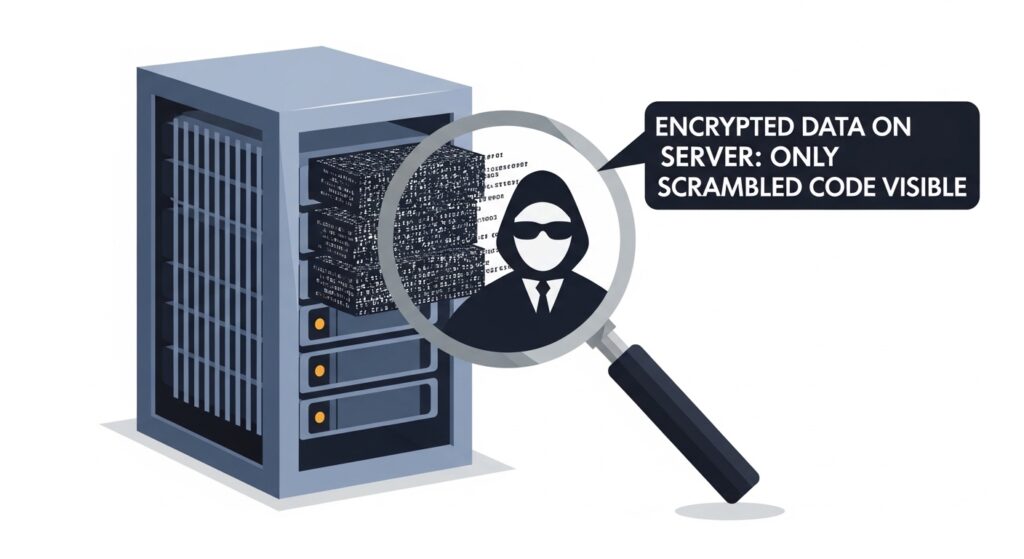
Before your data ever leaves your physical smartphone or laptop, the app encrypts it. It scrambles all your passwords into a chaotic, unreadable mess using AES-256 bit encryption (the exact same encryption used by the military and major banks).
The only way to descramble that mess is by using your Master Password. Here is the crucial part: The company does not know your Master Password. It is never sent to their servers.
Therefore, if a hacker breaks into the company’s database, all they can steal is the scrambled, encrypted gibberish. Because the hacker (and the company itself) does not have your Master Password, the stolen data is completely useless. It would take a supercomputer millions of years to guess the encryption key.
The Real Vulnerability: Endpoint Security
While the cloud servers holding your encrypted vault are virtually impenetrable, there is a vulnerability you must actively protect against: Your physical device.
Password managers are only safe if the device you are using to access them is safe. This is known as endpoint security.
If you accidentally click a malicious link and download a hidden Keylogger or a piece of sophisticated stalkerware onto your laptop, encryption cannot save you. These malicious programs do not need to hack the cloud server; they simply record your keystrokes when you type your Master Password, or they take silent screenshots of your unlocked vault.
For example, highly advanced (and legal) monitoring tools like mSpy or Spynger are designed to capture keystrokes and screen activity for parental control and investigation purposes. If a malicious hacker uses similar technology on your device without your knowledge, your vault is compromised.
To ensure your passwords remain safe, you must actively scan your devices for hidden threats. Read our complete guide on How to Tell if Your Phone or Laptop is Infected with Malware to secure your endpoints.
Essential Rules for Using a Password Manager Safely
Now that you have had password managers explained, you are ready to make the switch. To guarantee maximum security, follow these three golden rules:
1. Create an Unbreakable Master Password
Because this is the only password you will ever need to remember again, make it incredibly strong. Do not use a single word. Instead, use a “Passphrase.” A passphrase is a string of random words strung together, such as PurpleCoffeeHelicopterGuitar! It is very easy for a human brain to remember, but mathematically impossible for a computer program to guess.
2. Turn On Two-Factor Authentication (2FA)
Never rely on just a password, even a Master Password. You must enable Two-Factor Authentication on your vault. This means that if you try to log into your vault from a brand new computer, you will need your Master Password plus a 6-digit code sent to your mobile authenticator app. We cover this extensively in our guide: What is Two-Factor Authentication (2FA) and Why You Need It.
3. Never Forget Your Master Password
Because of the Zero-Knowledge Architecture we discussed earlier, the company cannot help you if you forget your Master Password. There is no “Forgot Password” reset link. If you lose it, you lose access to your vault forever. Write your Master Password down on a physical piece of paper and store it in a fireproof safe or a bank deposit box.
Conclusion: A Necessary Upgrade for 2026
Relying on your memory or a sticky note to secure your digital life is no longer a viable option. Cyberattacks are becoming increasingly automated and aggressive. By reusing passwords, you are leaving the front door to your bank, your email, and your private life wide open.
Having password managers explained reveals the truth: they are not just a convenience tool; they are a critical cybersecurity necessity.
By migrating to a secure, encrypted vault, you instantly eliminate the stress of forgotten logins while simultaneously upgrading your digital defense to military-grade standards. Choose a reputable provider, create a strong Master Password, and take control of your digital identity today.

Munir is a digital security researcher and software reviewer
with over 5 years of experience testing privacy tools, parental
control applications, and cybersecurity software. He founded
Tech Monitor Pro to provide honest, hands-on reviews that help
families and professionals make smarter decisions about the
tools they use online. When he is not testing the latest VPN
or email verification platform, he writes practical guides on
digital safety and online privacy.