
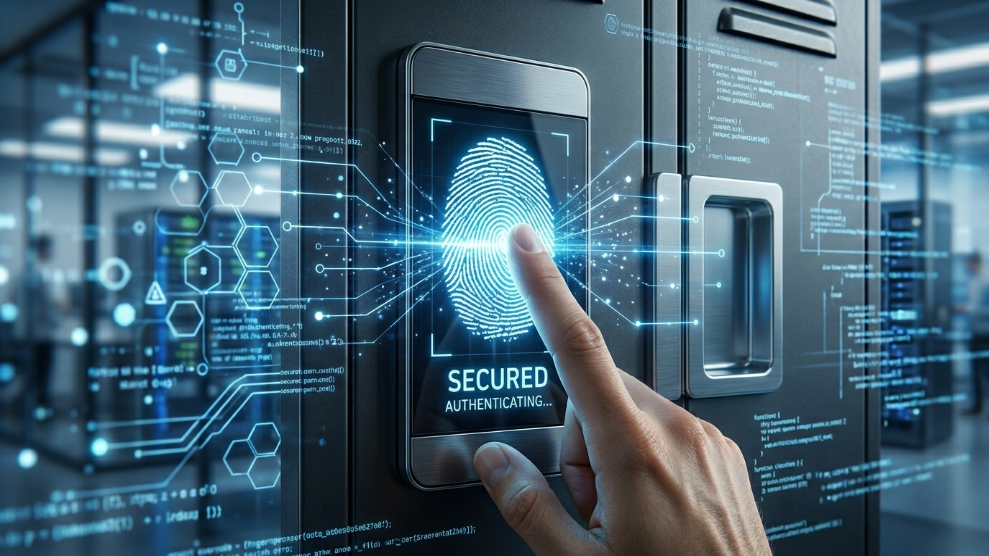
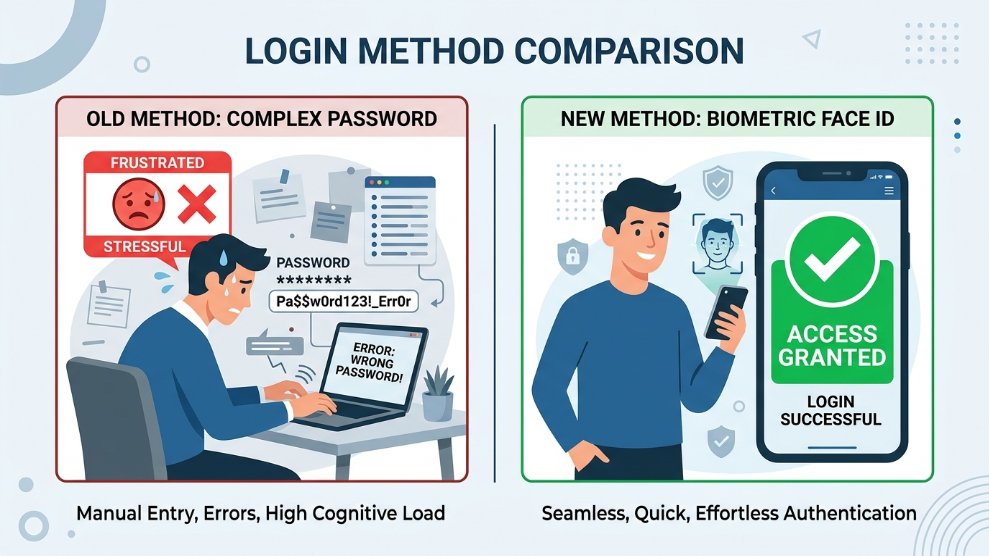
For the past three decades, the entire foundation of internet security has relied on a fundamentally flawed concept: forcing human beings to memorize complex strings of letters, numbers, and symbols. We have tried everything to make it work, from writing them down in notebooks to trusting our browsers. Yet, passwords remain the leading cause of data breaches worldwide.
But in 2026, a massive shift is finally taking place across the digital landscape. Major tech giants, banks, and enterprise software companies are officially phasing out traditional passwords in favor of a much stronger, invisible technology: Passkeys.
If you have recently noticed websites asking if you want to “log in with a passkey” instead of a password, you are witnessing the passwordless revolution. But what are passkeys exactly, and more importantly, how do you manage them securely without getting locked out of your own accounts? Let’s break it down.
What Are Passkeys? (The Technology Explained)
Unlike a password, which is a secret word you have to remember and type into a website, a passkey is a digital credential tied to your specific device.
Backed by the official FIDO Alliance (a massive tech consortium that includes Apple, Google, and Microsoft), passkeys use advanced public-key cryptography. When you create an account using a passkey, two “keys” are generated:
- The Public Key: This is stored on the website’s server (like Amazon or your bank). It is completely useless on its own.
- The Private Key: This is securely stored on your personal device (your phone or laptop).
When you try to log in, the website sends a mathematical puzzle to your device. Your device uses the Private Key to solve it, and you authorize the login using your biometrics (like Apple’s Face ID or a Windows Hello fingerprint). The secret code is never transmitted over the internet.
Why Passkeys Are the Ultimate Security Upgrade
The transition to passkeys solves almost every major vulnerability associated with traditional logins:
- Immune to Phishing: Even if a hacker builds a fake banking website that looks 100% real, they cannot steal your passkey. Your device knows it is a fake website and simply won’t release the cryptographic signature.
- No More Data Breaches: If a company’s database gets hacked, attackers only get the “Public Keys,” which cannot be used to log into your account.
- Stops Automated Hacks: Because there is no password to guess, automated bot attacks—like devastating password spraying attacks—become mathematically impossible to execute against your accounts.
The Cross-Platform Challenge: Where Do You Store Passkeys?
While passkeys sound perfect, there is one major catch in 2026: Ecosystem lock-in.
If you create a passkey using your iPhone, it is automatically saved to your Apple iCloud. But what happens when you sit down at your Windows PC at the office and try to log into that same website? Because Apple and Windows do not seamlessly share private data, you might find yourself completely locked out.
This is exactly why relying on device-specific storage is a risky move. To embrace the passwordless future smoothly, you need a third-party, encrypted environment that syncs your passkeys across all operating systems.
For instance, if you want a blazing-fast transition, modern standalone vaults have integrated passkey technology flawlessly. We often recommend checking out our NordPass Review because they have built a cross-platform architecture that allows you to save a passkey on your Android phone and instantly use it to log in on your Mac or Windows desktop, completely bypassing the “ecosystem trap.”
How to Prepare for the Passwordless Future
We are currently in a transitional phase. Some websites demand passkeys, while others still require traditional passwords. Managing both simultaneously can become chaotic.
The smartest strategy is to consolidate your digital identity today. By adopting a high-end digital vault, you can store your legacy passwords and your new passkeys side-by-side in one unified dashboard. If you manage an agency or need to share access with family members without dealing with frustrating device restrictions, enterprise-grade tools are your best bet. You can explore our comprehensive 1Password Review to see how professionals use “Secret Key” architecture to manage both traditional logins and next-gen passkeys with absolute precision.
Final Thoughts
The era of typing Password123! is finally coming to an end. Passkeys are faster, significantly more secure, and completely remove the human error of forgetting credentials. By understanding how they work and ensuring you store them in a secure, cross-platform vault, you can upgrade your digital security to 2026 standards seamlessly.

Munir is a digital security researcher and software reviewer
with over 5 years of experience testing privacy tools, parental
control applications, and cybersecurity software. He founded
Tech Monitor Pro to provide honest, hands-on reviews that help
families and professionals make smarter decisions about the
tools they use online. When he is not testing the latest VPN
or email verification platform, he writes practical guides on
digital safety and online privacy.