
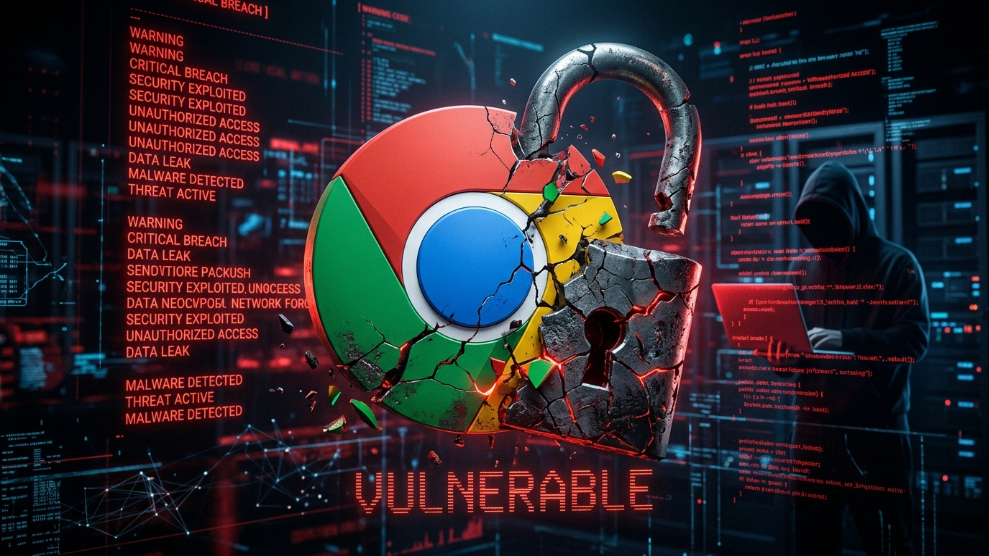
We have all been there. You create a new account, type in a password, and a helpful little pop-up drops down from the top of your Google Chrome browser asking, “Do you want Google Chrome to save this password?” It is fast, free, and incredibly convenient.
For years, users have relied on browser-based password managers to keep track of their digital lives. However, in 2026, the cybersecurity landscape has drastically evolved. Hackers are no longer just guessing passwords; they are deploying highly sophisticated automated malware designed specifically to target the exact place you store your credentials: your browser.
If you are still using Chrome, Edge, or Safari as your primary password vault, you are leaving your digital front door wide open. In this article, we will break down the critical vulnerabilities of browser-based password managers and explain why upgrading to a dedicated, encrypted vault is no longer an option—it is a necessity.
The Illusion of Convenience: Why Browsers Fail at Security
Browsers are designed to do one thing exceptionally well: connect you to the internet as quickly as possible. They are not designed to be impenetrable military-grade security vaults. When you use Chrome’s built-in password manager, you are sacrificing fundamental security architecture for the sake of convenience.
Here are the three critical reasons why this practice is dangerous in 2026:
1. Device-Level Vulnerability
When your passwords are saved in Chrome, they are often protected only by your device’s primary login (like your Windows PIN or Mac password). If you step away from your laptop at a coffee shop or share a computer with a family member, anyone who opens Chrome can easily navigate to the settings, click the “eye” icon, and view your plain-text passwords. Dedicated password managers require an independent Master Password or biometric scan every time the vault is accessed, completely separating your passwords from your device’s general login.
2. The Rise of “Infostealer” Malware
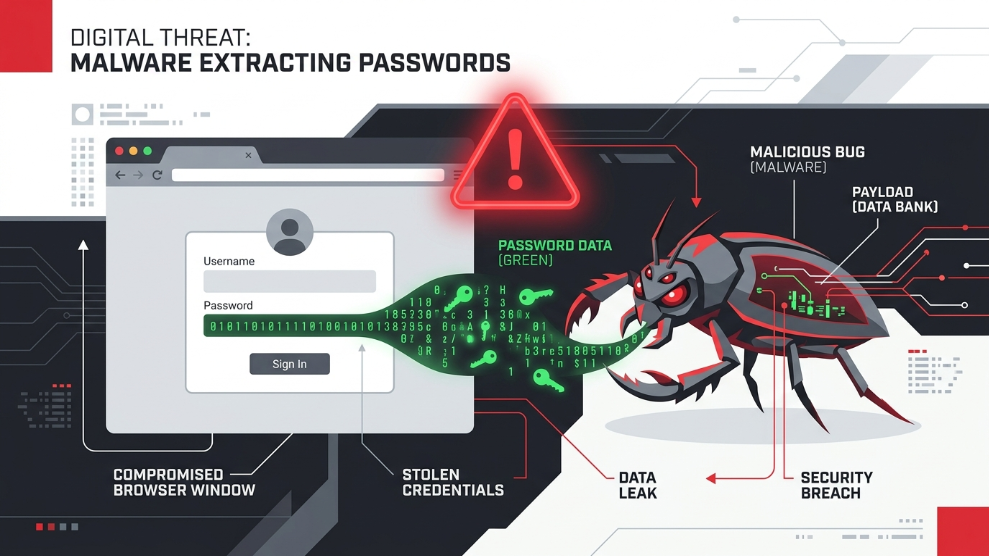
The most significant threat to browser-saved passwords in 2026 is a category of malware known as “Infostealers” (such as RedLine or Raccoon Stealer). According to cybersecurity experts at Malwarebytes, infostealers do not bother trying to crack your passwords. Instead, they silently slip onto your computer (often through a malicious email attachment or fake software download) and instantly extract the unencrypted database files where Chrome stores your passwords and session cookies. Because browser storage lacks isolated, encrypted architecture, this data is snatched in a matter of seconds.
3. Lack of True Zero-Knowledge Architecture
When you use a browser vault, your data is integrated into that ecosystem’s servers. True digital security requires a “Zero-Knowledge Architecture.” This means your passwords should be encrypted and decrypted locally on your device before they ever reach the cloud. Dedicated security software ensures that even the company hosting your data cannot read it. Browser managers simply do not offer this elite level of cryptographic isolation.
The Solution: Switching to a Dedicated Password Manager
The only way to protect yourself from browser-based vulnerabilities and infostealer malware is to migrate your credentials to a standalone, encrypted password manager. These tools operate completely independently of your web browser, creating a fortified wall between your sensitive data and the internet.
If you are ready to upgrade your security, here are the top two tools we aggressively recommend after rigorous expert testing:
1. NordPass: The Ultimate Next-Gen Vault
If you want the fastest, most modern encryption available today, NordPass is the definitive answer. Built by the cybersecurity giants behind NordVPN, it uses the incredibly advanced XChaCha20 encryption algorithm. This means your data is encrypted faster and more securely than almost any other tool on the market. It also features a proactive Data Breach Scanner that constantly monitors the dark web for your email addresses.
👉 Read our full, in-depth review of NordPass here
2. 1Password: The Best for Business and Families
If you need to share passwords securely with remote freelancers, employees, or family members, 1Password is unparalleled. It utilizes a unique 34-character “Secret Key” alongside your Master Password, creating a dual-layer defense system that is mathematically impossible to breach, even if 1Password’s servers were compromised. It completely removes the risk of someone stealing your credentials from your browser.
👉 Read our comprehensive review of 1Password here
Final Thoughts
Browsers are meant for browsing, not for safeguarding your most sensitive financial and personal data. Continuing to use Chrome’s built-in password manager in 2026 is a gamble that could result in devastating identity theft or financial loss. By migrating to a dedicated, zero-knowledge vault like NordPass or 1Password, you instantly close the vulnerabilities that hackers rely on, ensuring your digital life remains entirely under your control.

Munir is a digital security researcher and software reviewer
with over 5 years of experience testing privacy tools, parental
control applications, and cybersecurity software. He founded
Tech Monitor Pro to provide honest, hands-on reviews that help
families and professionals make smarter decisions about the
tools they use online. When he is not testing the latest VPN
or email verification platform, he writes practical guides on
digital safety and online privacy.