
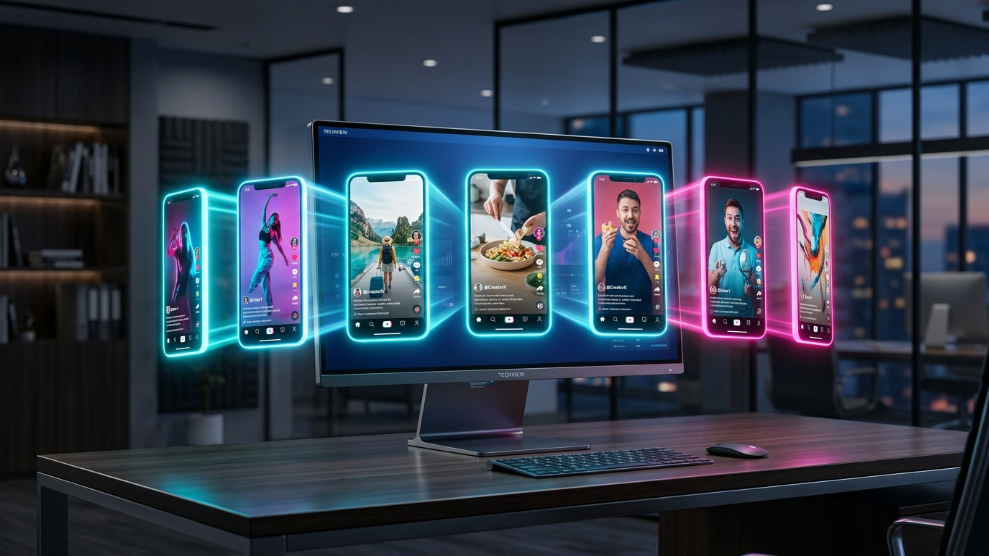
TikTok has completely rewritten the rules of digital marketing. Its algorithm offers unparalleled organic reach, allowing a brand new account to go viral overnight. Because of this, affiliate marketers, dropshippers, and content creators are rushing to create massive “account farms.” They create dozens of different profiles, targeting specific niches and testing different geographic markets like the US or the UK.
However, many creators quickly hit a brick wall. They create three or four accounts from their laptop, upload their videos, and suddenly realize their views are permanently stuck at zero.
TikTok’s security algorithm is notoriously strict. If it detects that multiple accounts are being operated by a single person using automation software or the same hardware, it does not always ban them outright. Instead, it places the accounts under a silent restriction. Here is exactly why this happens and the professional technical setup required to successfully run multiple TikTok accounts on one PC.
The Danger of the “Shadowban”
When you log out of one TikTok account and immediately log into another on your desktop browser, you leave behind massive digital footprints.
Social media platforms are designed to prioritize authentic, human-created content. According to social media experts at Hootsuite, a “shadowban” is a penalty where TikTok restricts the visibility of an account’s videos on the For You Page (FYP) without officially notifying the user.
This happens when TikTok’s algorithm detects spam-like behavior. Using the same Google Chrome browser, the same IP address, or standard browser fingerprinting metrics across ten different accounts is the fastest way to trigger this invisible penalty. To the algorithm, you look like a bot farm, not a group of genuine creators.
Step 1: Flawless Mobile Emulation
The biggest mistake marketers make is trying to manage TikTok accounts using standard desktop browsers. TikTok is a mobile-first platform. If its algorithm detects that 50 different accounts are exclusively uploading videos from a Windows PC browser, it instantly flags the behavior as unnatural.
To bypass this, you need software that tricks the platform into thinking you are uploading from a physical smartphone. Marketers rely heavily on specialized anti-detect browsers to create these environments.
For instance, utilizing MoreLogin is a massive advantage for TikTok creators. Its core engine is built specifically for mobile emulation. When you create a profile, you can set the environment to replicate an iPhone 14 or a high-end Android device. The software spoofs your screen resolution, operating system, and touch-screen metrics. To TikTok’s servers, your desktop computer appears to be a legitimate physical smartphone sitting in someone’s hand.
Step 2: Geo-Targeting with Residential IP Addresses
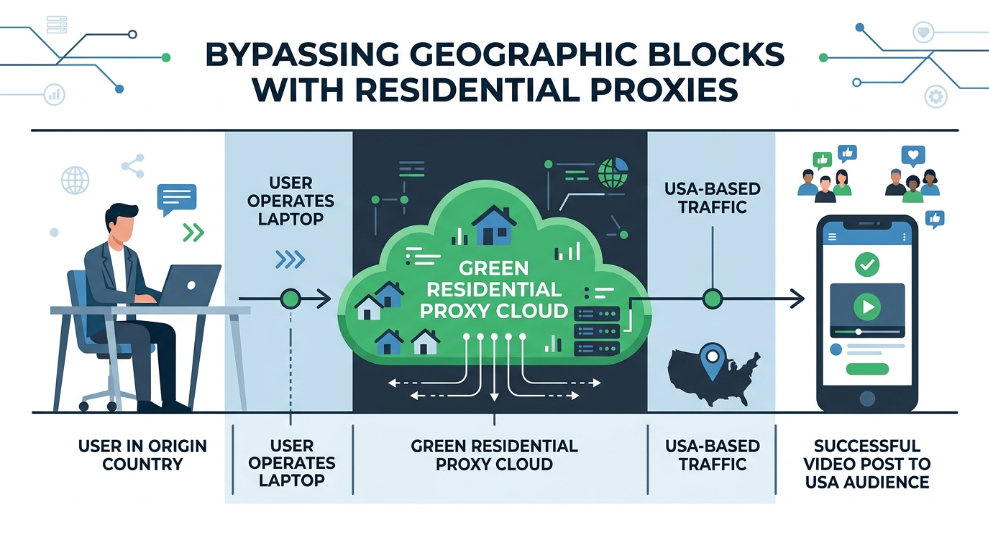
If you live in Europe but want your videos to reach a United States audience, you have to trick TikTok’s highly sensitive geolocation tracking.
Using a cheap, commercial VPN will instantly shadowban your account, as TikTok aggressively blocks data center IP addresses. As we established in our guide comparing residential proxies vs datacenter proxies, you must use residential proxies.
By assigning a dedicated US-based residential proxy to your mobile-emulated browser profile, you ensure that TikTok registers the account as a genuine American user connecting from a normal household Wi-Fi network.
Step 3: Automate the Scrolling and Warm-Up
A brand new TikTok account cannot simply be created and instantly start uploading promotional videos. Real human beings scroll the For You Page, like videos, and leave comments before they ever upload content. This is called the “warm-up” phase.
If you are managing 30 accounts on your PC, warming them up manually is impossible. To scale this operation, advanced marketers deploy automation. High-end platforms like AdsPower include built-in Robotic Process Automation (RPA). You can create a script that automatically opens your isolated TikTok profiles, scrolls the FYP for ten minutes, likes a few relevant videos, and closes the browser. This automated human-like activity builds massive trust with the algorithm before you publish your first video.
Final Thoughts
Scaling your organic reach on TikTok is one of the most profitable strategies in modern digital marketing, but it requires playing by the platform’s strict technical rules. By abandoning standard web browsers, utilizing high-quality mobile emulation, and securing your connections with residential proxies, you can safely manage an entire empire of TikTok accounts directly from a single PC without ever fearing the shadowban.

Munir is a digital security researcher and software reviewer
with over 5 years of experience testing privacy tools, parental
control applications, and cybersecurity software. He founded
Tech Monitor Pro to provide honest, hands-on reviews that help
families and professionals make smarter decisions about the
tools they use online. When he is not testing the latest VPN
or email verification platform, he writes practical guides on
digital safety and online privacy.