
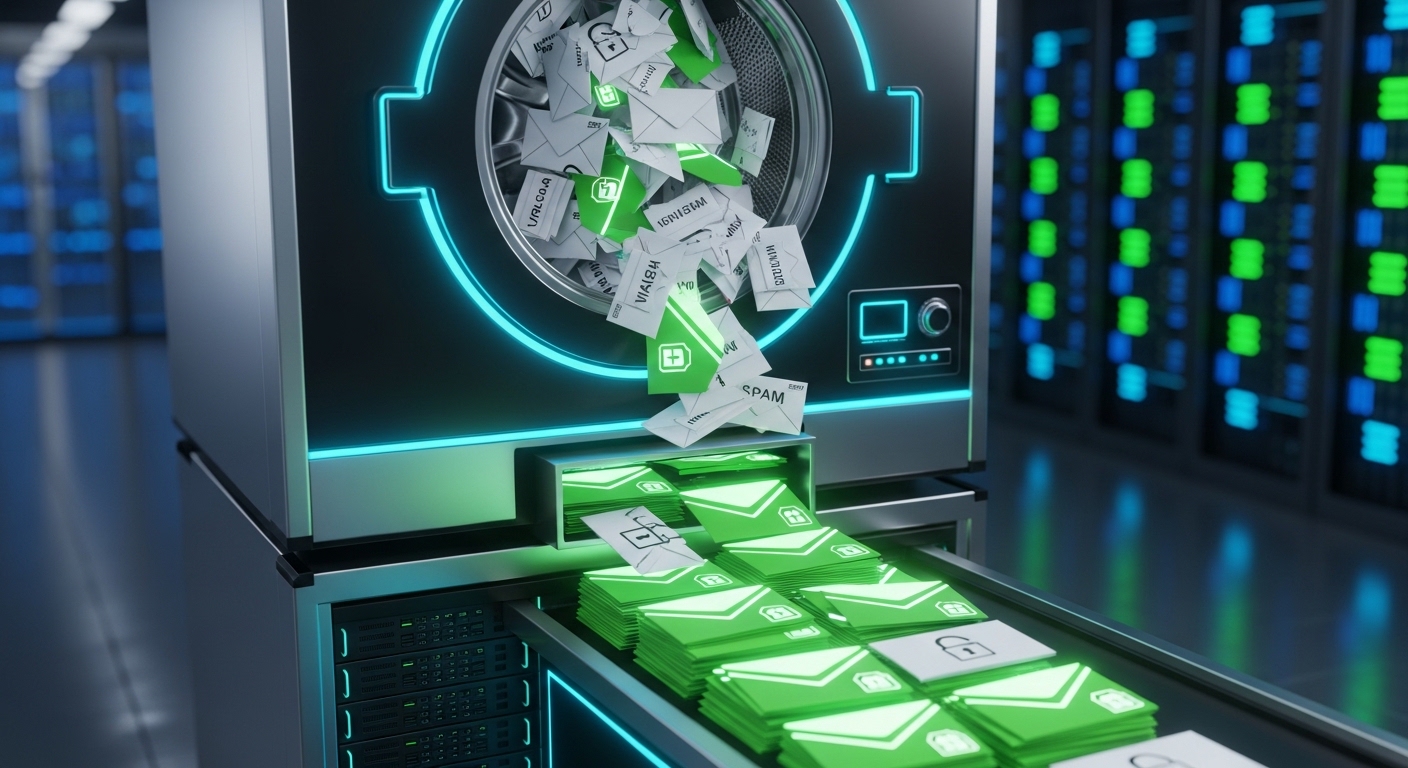
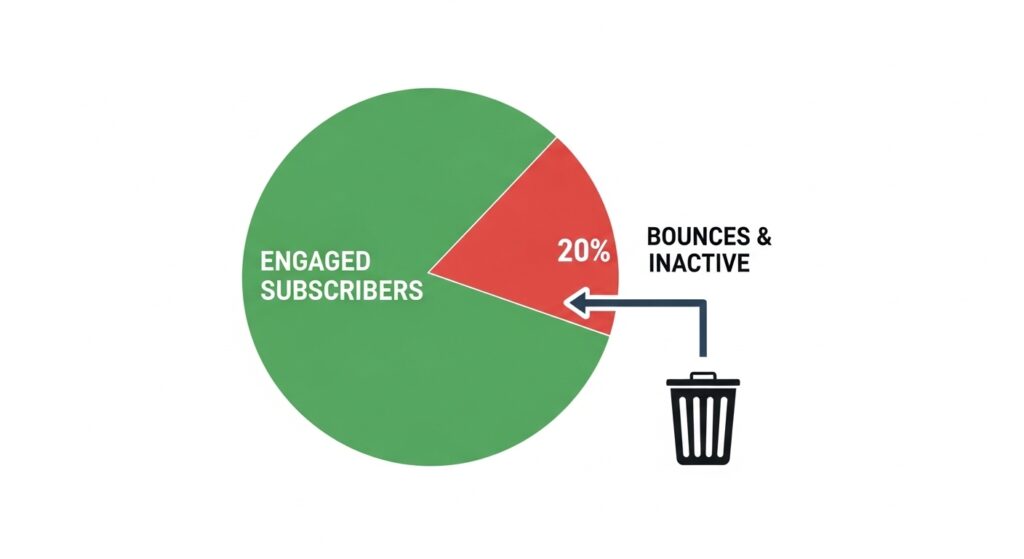
It is a harsh reality in digital marketing: email lists naturally degrade over time. People change jobs, abandon old email addresses, or simply lose interest in your content. In fact, databases decay at an average rate of 22.5% every single year.
If you are continuously sending marketing campaigns to a list that hasn’t been maintained, you are actively damaging your sender reputation. Internet Service Providers (ISPs) like Google and Yahoo closely monitor your engagement metrics. If they see you sending messages to dead accounts or unengaged users, they will start routing your emails directly to the spam folder.
If you want to rescue your open rates and maximize your ROI in 2026, you need to practice ruthless list hygiene. Here is a step-by-step guide on exactly how to clean your email list and dramatically improve your deliverability.
Why List Scrubbing is Non-Negotiable
Before diving into the “how,” it is crucial to understand the immediate benefits of a clean list:
- Lower ESP Costs: Email Service Providers (like Mailchimp or ActiveCampaign) charge you based on the number of contacts you have. Deleting dead emails saves you money every month.
- Higher Open and Click Rates: Removing people who never open your emails mathematically increases your overall engagement percentages, signaling to ISPs that your content is valuable.
- Protection Against Spam Traps: Cleaning your list removes recycled email addresses that ISPs use as honey-pots to catch and blacklist spammers.
Step-by-Step: How to Clean Your Email List
A proper list-cleaning routine should be performed at least once a quarter. Follow these three essential steps to sanitize your database.
1. Identify and Remove Hard Bounces
As we discussed in our detailed guide on the difference between a hard bounce vs soft bounce, continuing to send messages to permanently invalid addresses is the fastest way to get blacklisted. Your first step is to filter your email provider’s metrics and permanently delete any contact that has hard bounced. For soft bounces (temporary issues like a full inbox), give the address three attempts before removing it.
2. Utilize a Professional Email Verification Tool
You should never wait for an email to bounce to find out it is invalid. The most effective way to clean a large, aging database is to run it through a bulk email verification software. These tools ping the receiving servers to ensure the inbox exists without actually sending an email.
If you are looking for the most cost-effective and highly accurate solution on the market, we highly recommend reading our DeBounce review. DeBounce allows you to upload your entire CSV file and instantly removes typos, disposable emails, and spam traps at a fraction of the cost of other tools.
For enterprise corporations or agencies dealing with millions of B2B contacts, you might require a tool with AI-driven engagement scoring. In that case, checking out our ZeroBounce review will help you understand how advanced toxicity checks can safeguard your corporate domain.
3. Implement a Sunset Policy for Inactive Subscribers
A valid email address isn’t enough; the user must be engaged. A “Sunset Policy” is an automated rule that removes subscribers who have not opened or clicked an email in a specific timeframe (usually 3 to 6 months).
Before you delete them, send one final “Re-engagement Campaign” (e.g., “Do you still want to hear from us?”). If they do not interact with that final email, unsubscribe them. According to deliverability experts at HubSpot, letting go of unengaged contacts is one of the strongest signals you can send to ISPs that you prioritize quality over quantity.
Automate the Process for the Future
Cleaning your list manually every few months is effective, but preventing bad data from entering your list in the first place is the ultimate strategy.
Once your current list is clean, utilize real-time API integrations. Tools like DeBounce offer lightweight APIs that you can plug directly into your WordPress registration forms. If a user attempts to sign up with a fake or misspelled email address, the system will instantly reject it and ask for a valid one.
Conclusion
Learning how to clean your email list might seem like a tedious chore, but it is the foundation of a profitable marketing strategy in 2026. By removing hard bounces, utilizing verification tools to eliminate spam traps, and saying goodbye to unengaged subscribers, you ensure your sender reputation remains pristine. The result? Higher open rates, lower marketing costs, and campaigns that consistently land exactly where they belong: the primary inbox.

Munir is a digital security researcher and software reviewer
with over 5 years of experience testing privacy tools, parental
control applications, and cybersecurity software. He founded
Tech Monitor Pro to provide honest, hands-on reviews that help
families and professionals make smarter decisions about the
tools they use online. When he is not testing the latest VPN
or email verification platform, he writes practical guides on
digital safety and online privacy.