

When you launch an email marketing campaign, seeing a high delivery rate is the ultimate goal. But what happens when those emails do not reach their intended target? You get a “bounced” email.
However, not all bounces carry the same weight. If you are serious about protecting your domain reputation and ensuring your messages hit the primary inbox in 2026, you must understand the critical battle of the hard bounce vs soft bounce.
Treating both of these errors the same way is a massive mistake that can lead to your domain being permanently blacklisted by major Internet Service Providers (ISPs) like Gmail and Yahoo. In this guide, we will break down the exact differences between a hard bounce and a soft bounce, why they happen, and the best tools you can use to prevent them.
What is a Hard Bounce? (The Permanent Failure)
A hard bounce indicates a permanent reason an email cannot be delivered. When an email hard bounces, it means the recipient’s mail server has explicitly told your server: “This address does not exist, and it never will. Stop trying.”
Common Reasons for a Hard Bounce:
- Invalid Email Address: The user made a typo when filling out your lead capture form (e.g., typing john@gmaill.com instead of gmail.com).
- Domain Does Not Exist: The business the person worked for has shut down, and their domain name has expired.
- Account Deleted: The recipient has permanently deleted their email account, or they left the company and the IT department deactivated their inbox.
The Impact on Your Business: Hard bounces are highly toxic. If you continuously send emails to addresses that hard bounce, ISPs will assume you are a spammer using purchased or scraped lists. This will rapidly destroy your sender reputation.
The Solution: You must remove a hard-bounced email address from your mailing list immediately. Most modern email service providers will do this automatically, but the best practice is to clean your list before you send using a verification tool.
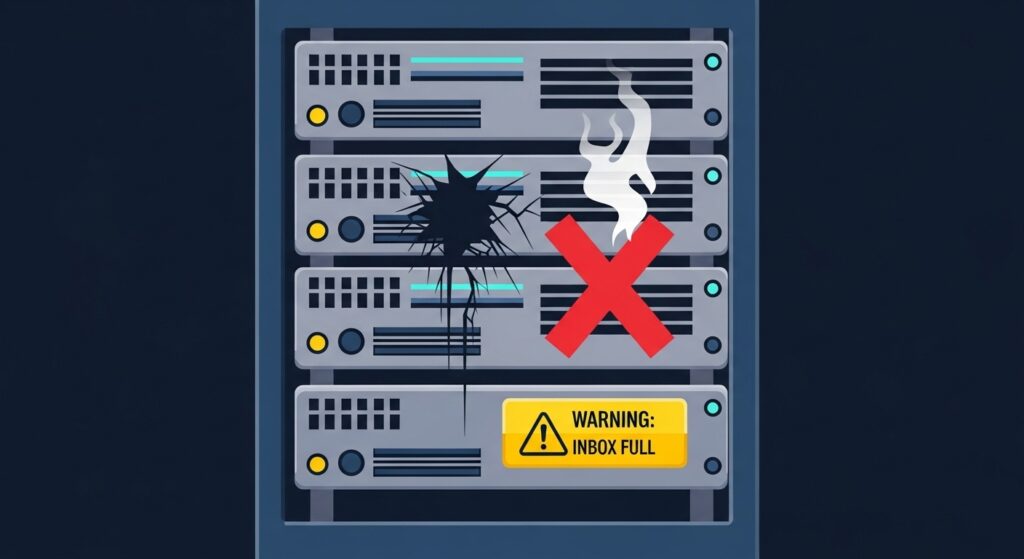
What is a Soft Bounce? (The Temporary Roadblock)
In the debate of a hard bounce vs soft bounce, a soft bounce is much less severe. A soft bounce indicates a temporary delivery issue. The email address is 100% valid and exists, but something is blocking the message from entering the inbox at this specific moment.
Common Reasons for a Soft Bounce:
- Inbox is Full: The recipient has reached their storage limit and cannot receive new messages until they delete old ones.
- Server is Down: The recipient’s email server is temporarily offline for maintenance or experiencing a crash.
- Message is Too Large: Your email contains massive image files or attachments that exceed the recipient’s server limits.
- DMARC/Authentication Issues: Your sender authentication (SPF, DKIM) might be misconfigured, prompting the receiving server to temporarily reject the email pending review.
The Impact on Your Business: A few soft bounces are normal and will not immediately ruin your reputation. Most email providers will hold the message and try to resend it over the next 72 hours.
The Solution: Keep an eye on them. If an email address soft bounces 3 to 5 times in a row, you should treat it like a hard bounce and remove it from your list.
Summary Table: Hard Bounce vs Soft Bounce
| Feature | Hard Bounce | Soft Bounce |
|---|---|---|
| Status | Permanent Failure | Temporary Issue |
| Email Validity | Invalid or Does Not Exist | Valid and Exists |
| Action Required | Delete immediately | Monitor closely, allow retries |
| Danger Level | Extremely High (Toxic) | Low to Medium |
| Common Cause | Typos, deleted accounts | Server down, full inbox |
(For a highly technical breakdown of specific SMTP error codes related to bounces, you can check out this helpful guide by SendGrid.)
How to Prevent Bounces and Protect Your ROI
Now that you understand the difference between a hard bounce vs soft bounce, the next step is proactive prevention. The golden rule of email marketing in 2026 is List Hygiene.
Never wait for an email to bounce to find out if it is bad. Instead, run your lists through a dedicated email verification platform before launching your campaigns.
- For Maximum Accuracy: If you are an enterprise dealing with massive lists and need AI-driven scoring to avoid spam traps, we highly recommend reading our ZeroBounce review.
- For Budget-Friendly Cleaning: If you are a small business or affiliate marketer looking for a highly cost-effective way to remove hard bounces, check out our DeBounce review or our detailed EmailListVerify review.
By utilizing these tools to scrub invalid addresses and temporary domains from your database, you guarantee a high deliverability rate, protecting your domain and maximizing your email marketing revenue.

Munir is a digital security researcher and software reviewer
with over 5 years of experience testing privacy tools, parental
control applications, and cybersecurity software. He founded
Tech Monitor Pro to provide honest, hands-on reviews that help
families and professionals make smarter decisions about the
tools they use online. When he is not testing the latest VPN
or email verification platform, he writes practical guides on
digital safety and online privacy.