
For decades, we have relied on a single piece of information to protect our digital lives: the password. We create them for our email, our banking apps, and our social media profiles. But in 2026, the traditional password is no longer a secure lock; it is a broken latch that any amateur hacker can kick open in seconds.
With the rise of massive data breaches and AI-powered password crackers, a “strong” password is simply not enough to keep you safe. If a hacker steals your password, they steal your entire identity.
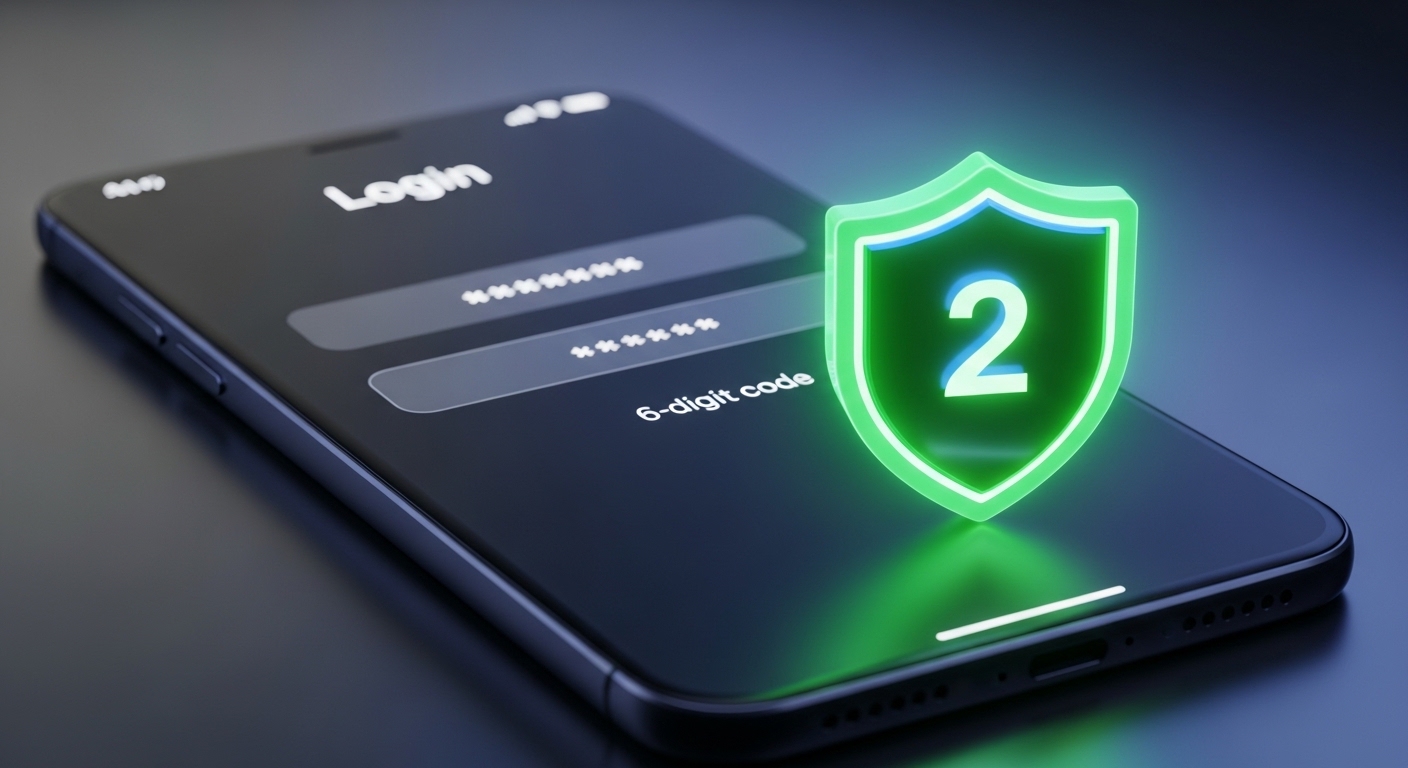
This is where what is two-factor authentication becomes the most important question you can ask for your digital safety. 2FA is the ultimate digital second lock. It ensures that even if a criminal knows your password, they still cannot get into your accounts.
In this guide, we will give you what is two-factor authentication explained in simple terms, show you how the different types of 2FA work, and explain why enabling it is the single most effective thing you can do to protect your data today.
What is Two-Factor Authentication? (The Double-Lock Concept)
To understand what is two-factor authentication, imagine the front door of your house.
Your password is the first lock. If you give someone your key, they can walk right in. 2FA is like adding a second, high-security deadbolt that requires a completely different key—a key that only you possess.
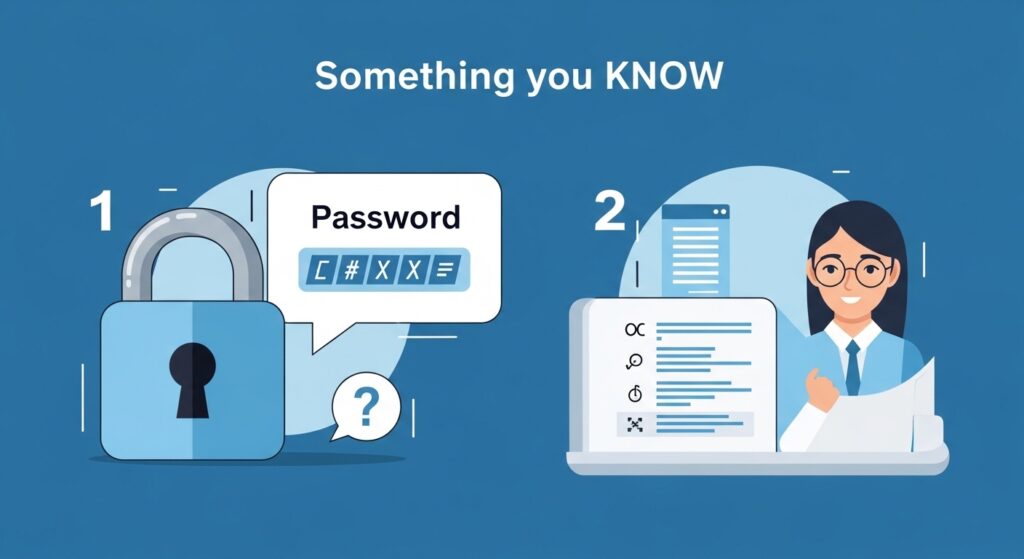
Technically, 2FA requires you to provide two different “factors” to prove who you are. These factors usually fall into three categories:
- Something you KNOW: Your password or a PIN code.
- Something you HAVE: Your physical smartphone, a security key, or an authenticator app.
- Something you ARE: Your fingerprint, face ID, or retina scan.
When you enable 2FA, knowing the password is only step one. The system then asks for the second factor (like a code sent to your phone). Unless a hacker has physically stolen your smartphone, they are completely blocked from your account.
Why 2FA is Non-Negotiable in 2026
The internet is significantly more dangerous today than it was even five years ago. Here is why you must enable 2FA on every account.
1. Protection Against Data Breaches
Major companies get hacked every month. If your password for a small shopping site is leaked, hackers will try that same password on your bank account and email. 2FA stops this “credential stuffing” attack instantly.
2. Neutralizing Phishing Attacks
As we discussed in our guide on Phishing Scams in 2026, hackers can trick you into typing your password on a fake website. But since they don’t have your physical phone to get the 2FA code, your account remains secure.
3. Securing Monitored Devices
If you are a parent using monitoring tools like mSpy or Parentaler, it is vital that your own parent-dashboard is protected by 2FA. You are managing sensitive information about your child’s location and chats; ensuring that your access is double-locked is a critical part of Identity Theft Protection.
Conclusion: Lock Your Digital Doors
Now that you have had what is two-factor authentication explained, there is no excuse for leaving your accounts exposed. Take 10 minutes today to go into the settings of your Gmail, Facebook, and Banking apps and toggle 2FA to “On.” It is a minor inconvenience that provides major, military-grade security. Don’t wait for a hack to happen—secure your digital life now.

Munir is a digital security researcher and software reviewer
with over 5 years of experience testing privacy tools, parental
control applications, and cybersecurity software. He founded
Tech Monitor Pro to provide honest, hands-on reviews that help
families and professionals make smarter decisions about the
tools they use online. When he is not testing the latest VPN
or email verification platform, he writes practical guides on
digital safety and online privacy.