
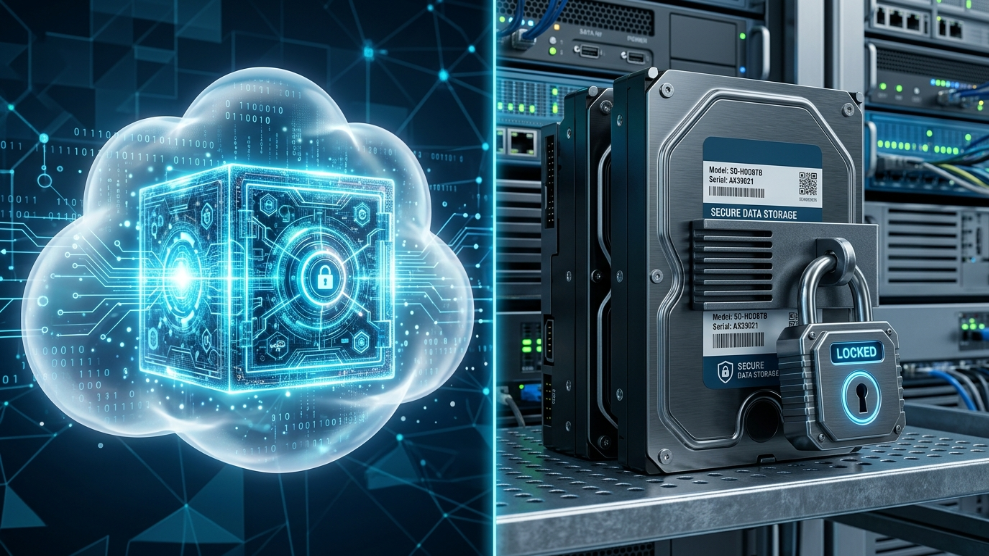
When you finally decide to stop reusing the same weak password for every website and upgrade to a dedicated digital vault, you are immediately faced with a critical architectural choice: Where should your passwords actually live?
In the cybersecurity community, this sparks the great debate of Cloud vs. Local storage. Should you trust a company’s encrypted servers in the cloud, or should you keep your data entirely offline on your own physical hard drive?
Both methods offer distinct advantages, but they also carry completely different risk profiles. If you are struggling to decide how to secure your digital footprint, here is a definitive breakdown of cloud-based managers versus local storage, and which one is actually safer for your daily life.
The Case for Cloud-Based Password Managers
A cloud-based password manager stores your encrypted database on remote servers hosted by the software company. This is the most popular method today, and for good reason: absolute convenience.
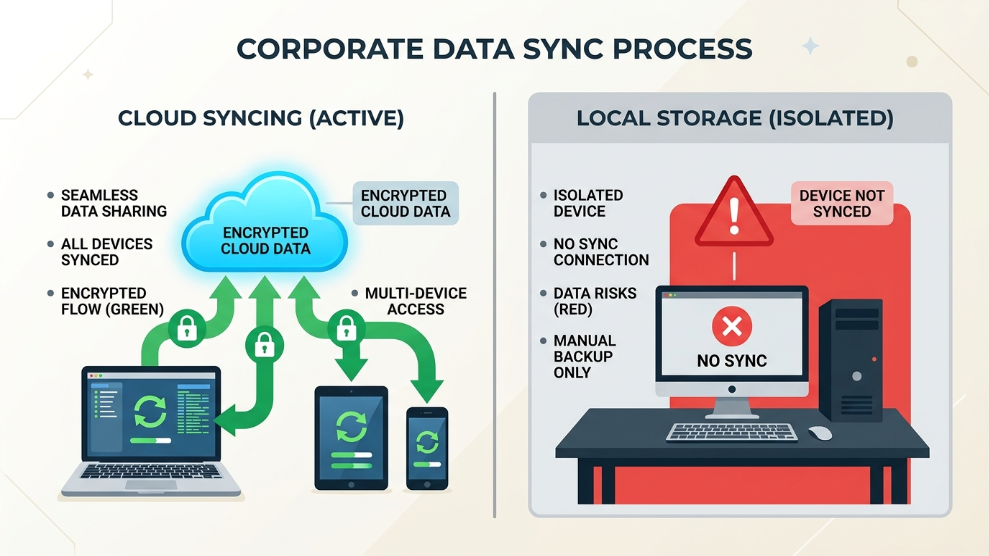
The Advantages: The biggest benefit of the cloud is cross-device synchronization. If you create a new login on your office laptop, it instantly syncs through the cloud and is available on your smartphone by the time you walk to your car. Furthermore, if you lose your phone or your hard drive crashes, your data is not lost. You simply download the app on a new device, and your vault is fully restored.
The Security Concern: The obvious fear is that if the company’s cloud servers are hacked, your passwords will be stolen. However, premium cloud managers utilize a concept called “Zero-Knowledge Architecture.” This means your data is encrypted locally on your device before it is sent to the cloud. The company only stores a scrambled mathematical puzzle.
If you are deeply concerned about cloud breaches, you can utilize advanced platforms like 1Password which require a physical, device-specific “Secret Key” alongside your master password. Even if a hacker steals the entire cloud server, they cannot decrypt your vault without that physical key stored in your pocket.
The Case for Local Storage (Offline Vaults)
A local password manager stores your encrypted database entirely on your own hardware—your laptop’s hard drive, your smartphone’s internal memory, or a USB flash drive. It never touches the internet.
The Advantages: Local storage offers ultimate control. Because your database is not hosted on a remote server, you are completely immune to massive corporate data breaches. For a hacker to steal your vault, they would literally have to break into your house, steal your physical computer, and then somehow guess your master password.
The Security Concern: While local storage eliminates the risk of cloud hacks, it introduces a massive physical risk. If your laptop’s hard drive fails, or if you drop your phone in a lake, your entire digital life is permanently destroyed unless you manually back it up to multiple USB drives.
Additionally, syncing local vaults across different devices is incredibly tedious. However, some hybrid tools bridge this gap perfectly. For instance, RoboForm is highly respected because it offers world-class cloud syncing, but it also allows users to securely access their vault fully offline, ensuring you are never locked out of your accounts even if you lose your internet connection.
Which is Actually Safer?
The answer depends entirely on your personal “Threat Model.”
If you are a high-profile investigative journalist, a whistleblower, or someone holding millions of dollars in unrecoverable cryptocurrency seed phrases, the extreme isolation of a fully local, air-gapped password manager might be necessary.
However, for 99% of businesses and individuals, a zero-knowledge Cloud Password Manager is the safest choice. The risk of a top-tier zero-knowledge cloud server being decrypted is mathematically close to zero. Conversely, the risk of a normal user forgetting their password, experiencing a hard drive crash, or failing to manually sync a local USB drive is extremely high.
Final Thoughts
Security should never be so inconvenient that you stop using it. While local storage offers a comforting sense of physical control, the automated backups, seamless device syncing, and modern zero-knowledge encryption of cloud-based managers make them the superior, safer choice for the modern internet user.

Munir is a digital security researcher and software reviewer
with over 5 years of experience testing privacy tools, parental
control applications, and cybersecurity software. He founded
Tech Monitor Pro to provide honest, hands-on reviews that help
families and professionals make smarter decisions about the
tools they use online. When he is not testing the latest VPN
or email verification platform, he writes practical guides on
digital safety and online privacy.