
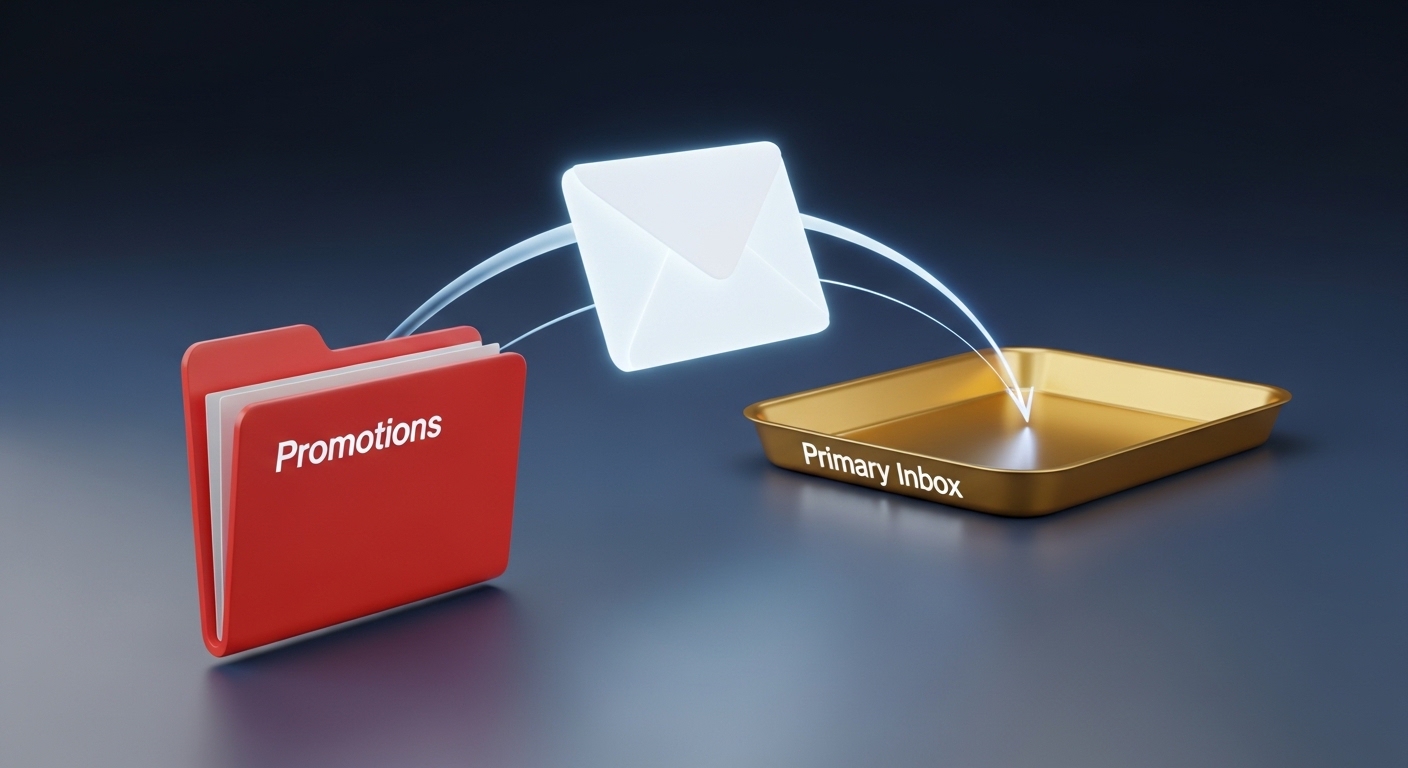
You just wrote an incredible email newsletter. It provides massive value, has a compelling subject line, and you know your audience is going to love it. You send it out to your list, but the open rate is shockingly low.
Why? Because it never actually reached their main inbox. It got buried in the dreaded Gmail Promotions tab.
In 2026, Gmail’s sorting algorithms are smarter and stricter than ever. If Google detects that your email is a marketing blast, it automatically sweeps it away into the Promotions folder, where most users rarely check. If you are wondering why your cold emails are going to spam or getting lost in the promo tabs, you need to change your approach.
Here is exactly how to avoid the Gmail promotions tab and land directly in front of your subscribers’ eyes.
Understanding the Gmail Algorithm
Gmail’s primary goal is to provide a clean, clutter-free experience for its users. The algorithm scans incoming emails for specific markers that scream “marketing blast.” It looks at your HTML-to-text ratio, the number of links, the language you use, and most importantly, your sender reputation.
According to email testing experts at Litmus, the algorithm also heavily relies on user engagement. If people regularly open and reply to your emails, Gmail learns that your messages are important and places them in the Primary tab.
4 Actionable Steps to Hit the Primary Inbox
To outsmart the algorithm, your automated marketing emails must look, feel, and behave like a personal message sent from a friend.
1. Strip Down Your Formatting (Go Plain Text)
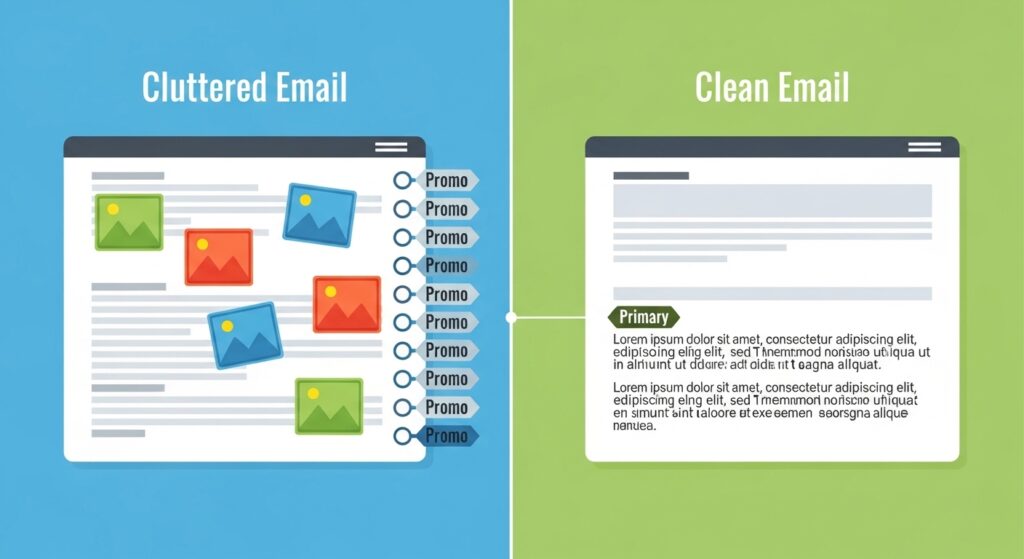
The number one trigger for the Promotions tab is a heavy HTML template. If your email contains a massive header image, multiple product photos, two columns, and a fancy footer, Google instantly knows it is a commercial email.
- The Fix: Switch to a plain-text format or a very lightweight HTML template. Use standard fonts, a simple signature, and make it look like an email you would type out manually to a coworker.
2. Limit Your Links and Images
Personal emails rarely contain more than one or two links. If your email features a dozen hyperlinks to various blog posts, social media profiles, and product pages, the algorithm will flag it as promotional.
- The Fix: Stick to the “Rule of One.” Have one clear Call to Action (CTA) and a maximum of two links in the entire body of the email. Avoid using more than one image.
3. Ask Your Subscribers to “Whitelist” You
The most guaranteed way to ensure primary inbox placement is to have the user tell Google exactly where they want your emails to go.
- The Fix: In your Welcome Email (the very first email a user receives after subscribing), add a simple P.S. note: “To make sure you don’t miss our updates, please drag this email from the Promotions tab into your Primary tab, and click ‘Yes’ when Gmail asks to do this for future messages.” If they reply to your email, it is an even stronger signal to Google.
4. Practice Flawless List Hygiene
Gmail monitors your domain reputation very closely. If you consistently send emails to dead accounts, generating a high email bounce rate, Gmail will penalize you by pushing your messages out of the primary inbox.
- The Fix: You must proactively clean your list. We highly recommend using a budget-friendly verification tool to scrub invalid users. Reading our DeBounce review is a great starting point for keeping your list pristine without breaking the bank. For large corporations sending massive volumes, investing in AI-driven tools (detailed in our ZeroBounce review) ensures you avoid hidden spam traps that ruin deliverability.
Avoid “Salesy” Language
Finally, watch your vocabulary. The AI scanning your email is looking for commercial trigger words. If your subject line or email body is filled with words like Sale, Discount, Free, % Off, Buy Now, or Limited Time, you are practically asking to be placed in the Promotions tab.
Conclusion
Learning how to avoid the Gmail promotions tab in 2026 does not require complicated coding. It requires a shift in strategy. By stripping away heavy HTML designs, limiting your links, communicating like a real human, and utilizing verification tools like DeBounce to maintain a healthy sender score, you will successfully train the algorithm to treat your brand as a trusted, primary contact.

Munir is a digital security researcher and software reviewer
with over 5 years of experience testing privacy tools, parental
control applications, and cybersecurity software. He founded
Tech Monitor Pro to provide honest, hands-on reviews that help
families and professionals make smarter decisions about the
tools they use online. When he is not testing the latest VPN
or email verification platform, he writes practical guides on
digital safety and online privacy.