
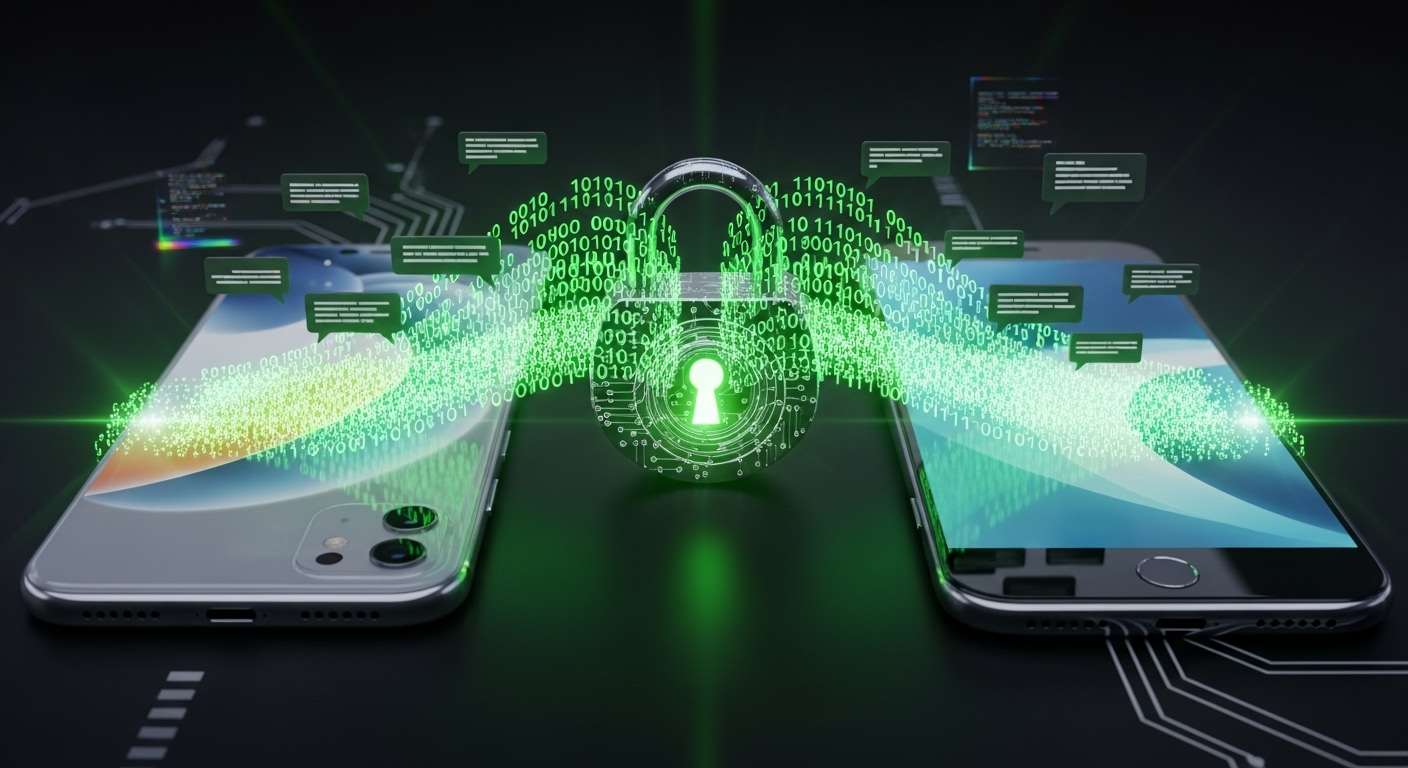
🔐 Quick Picks
Best overall: Signal, the gold standard recommended by security agencies and journalists.
Most popular: WhatsApp, encrypted by default but owned by Meta.
Most anonymous: Session, no phone number required.
Apple to Apple: iMessage, secure between Apple devices only.
Think about the last private message you sent. A financial detail to your accountant, a personal note to your partner, a photo you would never post publicly. When you hit send, you probably assumed it went straight to the other person. With a standard SMS text, it did not. A plain text message is more like a postcard than a sealed letter, readable by your mobile carrier, stored on their servers, and exposed if that company is breached.
This stopped being theoretical. A state backed hacking group known as Salt Typhoon broke into several major telecom carriers and gained access to call records and messages for months before it was caught. In response, the U.S. cybersecurity agency CISA and the FBI did something they had long resisted. They told ordinary people to start using end to end encrypted messaging apps, and named Signal as the example. This guide compares the best of those apps, explains what encryption really protects, and shows you how to lock your chats down properly.
Table of Contents
Why Your Standard Texts Are Not Private
Regular SMS was built in an era before modern cybercrime, and it has three weaknesses that encrypted apps fix.
Carrier snooping and breaches. Your mobile carrier can read and store your SMS messages, and hand them over on request. If the carrier is hacked, as happened in the Salt Typhoon breaches, those messages are exposed.
Interception. Unencrypted messages can be captured in transit, which is why CISA now urges encrypted apps for anything sensitive.
SIM swapping. Because SMS is tied to your phone number, an attacker who hijacks your number through a SIM swap receives your texts, including bank security codes. This is one more reason to move your two factor codes off SMS, as our two factor authentication guide explains.
What End to End Encryption Actually Means
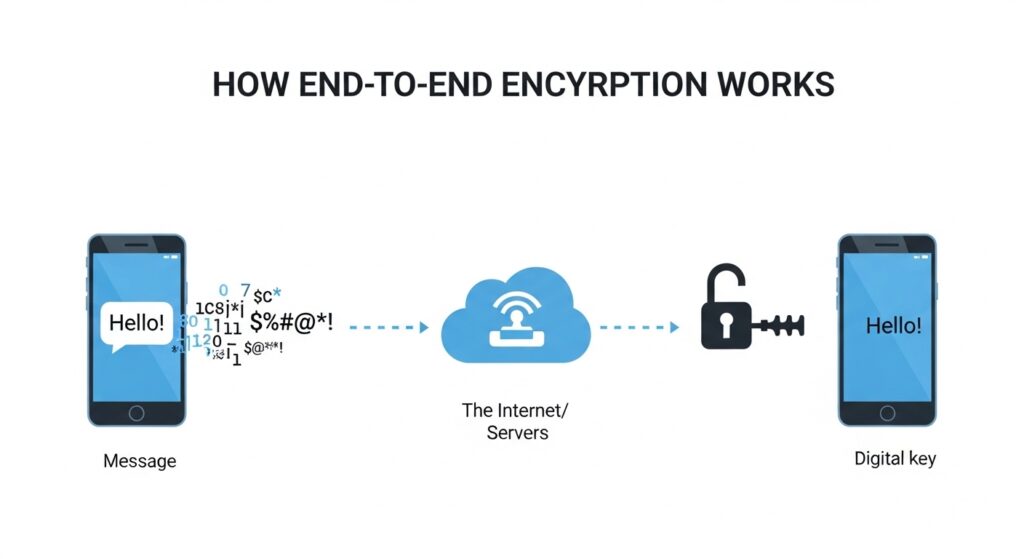
End to end encryption, or E2EE, scrambles your message into unreadable code on your device before it leaves, and only the recipient’s device holds the key to unscramble it. Picture sending a diamond in a locked steel box rather than a clear bag. The courier, the company, even a thief who grabs the box, none of them can open it. Only your friend has the key.
The important detail is who holds the key. With true E2EE, even the company running the app cannot read your messages, so it has nothing to hand over if asked. The non profit behind Signal, for example, can only reveal the date an account was created. The Electronic Frontier Foundation has a clear breakdown of why this matters for everyone, not just experts.
Encrypted Messaging Apps Compared
| App | E2EE by default | Metadata collected | Needs phone number | Cross platform |
|---|---|---|---|---|
| Signal | Yes, everything | Almost none | Yes | Yes |
| Yes | A lot, by Meta | Yes | Yes | |
| iMessage | Apple to Apple only | Some | Apple ID | No, Apple only |
| Telegram | No, secret chats only | A lot | Yes | Yes |
| Session | Yes | None | No | Yes |
1. Signal, the Gold Standard
Ask almost any security expert, journalist or privacy advocate which app they use and the answer is Signal. Run by a non profit, it is open source, so independent experts can verify there are no hidden backdoors, and it is the app CISA pointed to after the telecom hacks.
Pros. Every message, call and file is end to end encrypted by default. It collects almost no metadata, only your phone number. It uses forward secrecy, so each message has its own key, and it works across iPhone, Android, Windows, Mac and Linux.
Cons. Both people need the app installed, and you need a phone number to register.
2. WhatsApp, Encrypted but Owned by Meta
With billions of users, WhatsApp is the app your contacts almost certainly already have. Years ago it adopted Signal’s encryption protocol, so the contents of your chats and calls are genuinely end to end encrypted, and not even Meta can read them.
Pros. Strong default encryption, and everyone is already on it.
Cons. Meta still collects heavy metadata, meaning who you talk to, when, and for how long. If you use it, turn on its end to end encrypted cloud backup, which we cover below.
3. iMessage, Great for Apple to Apple
If you and the other person both use iPhones, iMessage encrypts your blue bubble chats end to end automatically, with no setup.
Pros. Seamless and encrypted between Apple devices, with strong protections for high risk users.
Cons. The moment you message an Android user, it can fall back to plain unencrypted SMS, the green bubbles. Cross platform encrypted RCS is improving this, but it is not universal yet, so do not assume a green bubble is private.
4. Telegram, Popular but Misunderstood
Telegram is excellent for big group chats and channels, but its security reputation is overstated. The biggest misconception in messaging is that Telegram is end to end encrypted. It is not, by default.
Pros. Fast, huge file transfers, and great for communities.
Cons. Normal chats are only encrypted to Telegram’s servers, where Telegram holds the key. True E2EE requires manually starting a Secret Chat, which is limited to your phone and unavailable on desktop. Group chats are never end to end encrypted. Telegram has also updated its policy to share user data with law enforcement on valid legal requests, and has suffered large data leaks in the past.
5. Session, Maximum Anonymity
If you refuse to hand a phone number to any app, Session is built for you. It needs no phone number or email, generating a random ID instead, and routes messages through a decentralised network that hides your location.
Pros. No phone number, no email, very hard to trace.
Cons. That routing can make it slightly slower than Signal or WhatsApp.
The Cloud Backup Loophole
Here is the mistake that quietly undoes encryption for millions of people. Your WhatsApp or iMessage chats are encrypted as they travel, but if you back them up to standard iCloud or Google Drive without extra encryption, the backup itself can sit in the cloud unprotected. A breach of your cloud account then exposes your whole history.
The fix on WhatsApp is to go to Settings, Chats, Chat Backup, and turn on End to End Encrypted Backup. Signal sidesteps this entirely by keeping your messages on your device rather than a company cloud.
Encryption Cannot Fix a Hacked Phone
Encryption protects a message while it travels. It does nothing once the message is sitting decrypted on your screen. If your phone is infected with spyware or stalkerware, the attacker simply records your screen or logs your keystrokes, and the strongest encryption in the world will not help. This is the endpoint problem, and it is why device security comes first. If your phone is draining fast or behaving strangely, read our guide on how to tell if your phone or laptop is infected with malware, and lock down the basics with our guide on how to secure your smartphone from hackers.
5 Rules to Lock Down Your Messaging
✅ Secure Messaging Checklist
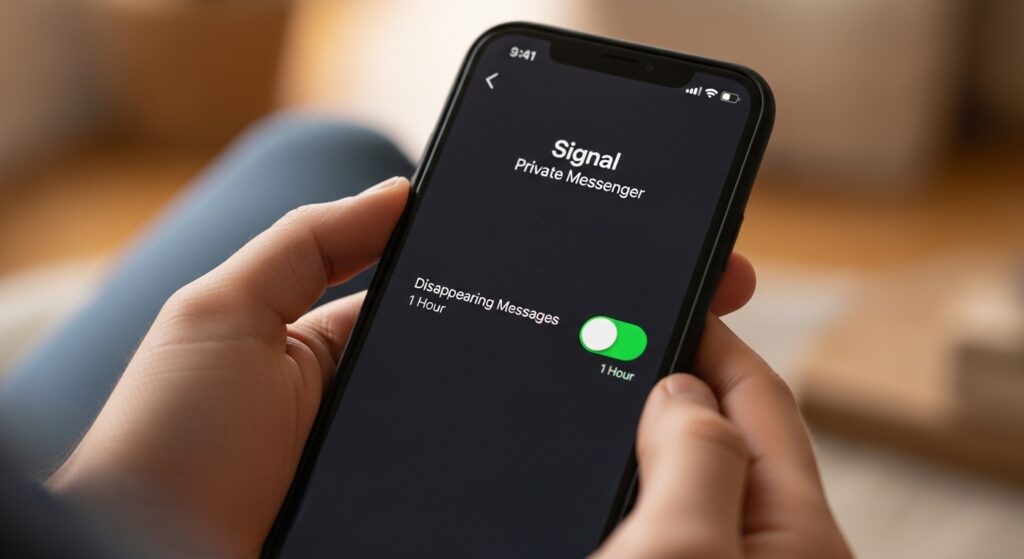
☐ Turn on disappearing messages for sensitive chats
☐ Lock the app itself with Face ID, fingerprint or a PIN
☐ Turn on two step verification so no one can hijack your number
☐ Move two factor codes off SMS to an app or a passkey
☐ Hide message previews on your lock screen
Two of these deserve a note. Protect the account behind the app with a strong, unique password and two step verification, since a stolen login is how most takeovers start. A password manager makes that effortless, and our NordPass review explains why it is our top pick. And remember that encryption hides the message but not always the connection, so on public networks a VPN adds a layer by encrypting your traffic and metadata.
Complete Your Privacy Toolkit
A secure messaging app is one piece of real privacy. These are the tools we recommend to round it out. Go straight to the product or read our full review first.
- NordVPN. Encrypts your entire connection and hides your activity from the network, ideal on public Wi-Fi. Visit NordVPN.
- NordPass. Our top password manager, so the accounts behind your apps stay locked. Read the NordPass review or visit NordPass.
- 1Password. A strong choice for families and teams. Read the 1Password review.
- Dashlane. A password manager with a built in VPN, useful if you want both in one. Read the Dashlane review.
Frequently Asked Questions
Which is the most secure messaging app? Signal is widely considered the most secure for everyday users. It encrypts everything by default, collects almost no data, is open source, and is the app security agencies pointed to after the telecom breaches.
Is Telegram encrypted and safe? Telegram is not end to end encrypted by default. Only Secret Chats are, and those are limited to a single phone and not available on desktop. Telegram also shares some user data with law enforcement on valid requests, so for true privacy Signal is the stronger choice.
Is WhatsApp safe to use? The contents of WhatsApp chats are genuinely end to end encrypted, so no one, including Meta, can read them. The trade off is the large amount of metadata Meta collects about who you talk to and when.
Is iMessage encrypted with Android users? Not always. iMessage is encrypted between Apple devices, the blue bubbles. Messaging an Android user can drop to plain SMS, the green bubbles, unless encrypted RCS is active for both sides.
Can police read my encrypted messages? With true end to end encryption, the company cannot hand over your message contents because it cannot read them. Police can still seize an unlocked phone and read what is on the screen, which is why a strong device lock matters.
Related guides: Public Wi-Fi Safety | How to Secure Your Smartphone From Hackers | How to Tell if Your Phone or Laptop Is Infected With Malware
Sources used in this article: CISA, Mobile Communications Best Practice Guidance BleepingComputer, CISA urges switch to Signal-like encrypted messaging apps after telecom hacks Electronic Frontier Foundation, Encryption

Munir is a digital security researcher and software reviewer
with over 5 years of experience testing privacy tools, parental
control applications, and cybersecurity software. He founded
Tech Monitor Pro to provide honest, hands-on reviews that help
families and professionals make smarter decisions about the
tools they use online. When he is not testing the latest VPN
or email verification platform, he writes practical guides on
digital safety and online privacy.