
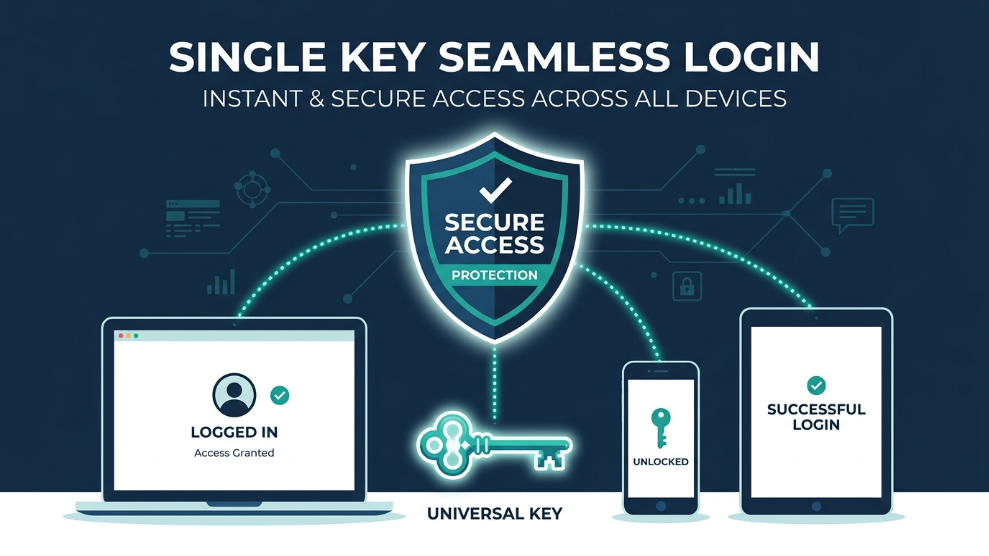
In 2026, relying on your browser’s built-in password saver or reusing the same password across multiple accounts is no longer a minor risk—it is an open invitation to hackers. With data breaches and sophisticated phishing attacks reaching an all-time high, securing your digital identity requires enterprise-grade protection. Enter NordPass, a premium password manager engineered by the cybersecurity giants behind the world-renowned NordVPN.
When evaluating digital security tools at TechMonitorPro, we look for solutions that refuse to compromise between ironclad security and everyday usability. In our comprehensive NordPass review, we dive deep into its core architecture to see if it lives up to the reputation of its parent company. From its next-generation encryption algorithms to its seamless autofill capabilities, we have tested every feature to determine if this is the ultimate vault for your sensitive data.
Whether you are a solo freelancer managing multiple client logins, a business owner securing company assets, or simply someone tired of clicking “Forgot Password,” NordPass promises a frictionless experience. But does it deliver? Let’s break down the specifications, pricing, and overall performance to see if it deserves the top spot on your devices.
NordPass Pricing Overview
NordPass offers a highly competitive and transparent pricing model, completely free from hidden fees. They provide plans tailored for individuals, families, and growing businesses.
| Plan Type | Monthly Cost (Billed Annually) | Key Features Included |
| Free | $0.00 | 1 Active Device, Unlimited Passwords, Autosave & Autofill. |
| Premium | $1.49 – $1.99/mo | Unlimited Devices, Data Breach Scanner, Secure Item Sharing. |
| Family | $2.79 – $3.69/mo | 6 Premium User Accounts, Shared Folders, Admin Dashboard. |
| Business | Custom Pricing | Company-wide Vaults, Google Workspace Integration, Security Audits. |
Click here to check current NordPass discounts and offers
Key Specifications
| Feature | Specification Details |
| Encryption Type | XChaCha20 (Next-Generation) |
| Architecture | Zero-Knowledge Architecture |
| Multi-Factor Auth (MFA) | Yes (Authenticator apps, Security Keys, Biometrics) |
| Passkey Support | Yes (Fully Integrated) |
| Data Breach Scanner | Yes (Monitors leaked emails, passwords, cards) |
| Platforms Supported | Windows, macOS, Linux, iOS, Android, Web Extensions |
Detailed Technical Features
The standout feature of NordPass is its encryption. While almost all other password managers use the industry-standard AES-256 encryption, NordPass has adopted the newer, faster, and arguably more secure XChaCha20 algorithm. Tech giants like Google and Cloudflare increasingly favor this encryption method because it is highly resistant to modern cyber-attacks and processes data significantly faster on mobile devices, ensuring your vault unlocks instantly without draining your battery.
Zero-Knowledge Architecture & Passkeys
NordPass operates on a strict zero-knowledge framework. This means your passwords are encrypted and decrypted locally on your device before they ever reach Nord’s servers. Even if NordPass were hypothetically breached by hackers, your data would remain unreadable because you hold the only key (your Master Password). Furthermore, in 2026, NordPass fully supports Passkeys, allowing you to bypass traditional passwords entirely and log into compatible websites using your device’s biometric sensors (Face ID or fingerprint).
Data Breach Scanner & Password Health
Proactive security is critical. NordPass includes a built-in Data Breach Scanner that constantly scours the dark web against your stored email addresses and credit cards. If your credentials appear in a known leak, the app sends you a real-time alert. Coupled with its Password Health tool—which actively identifies weak, old, or reused passwords—NordPass acts as an automated security auditor, forcing you to maintain airtight cyber hygiene.
Who is NordPass Best For?
NordPass is the definitive choice for users who prioritize cutting-edge security without wanting to deal with a steep learning curve. Its clean, minimalist interface makes it incredibly approachable for beginners who are transitioning away from writing passwords in notebooks or using highly vulnerable browser storage. It simply works quietly in the background, autofilling forms flawlessly.
For corporate users and small agencies, the NordPass Business tier is exceptional. The ability to securely share encrypted folders with freelancers or employees—and revoke that access with a single click—solves one of the biggest headaches in modern remote team management. It integrates seamlessly with existing enterprise ecosystems.
Finally, if you are already a user within the “Nord ecosystem” (utilizing NordVPN or NordLocker), adding NordPass is a no-brainer. The interoperability between these apps provides a unified, impenetrable fortress for your entire digital life, making it one of the most cohesive security suites available in 2026.
Pros of NordPass
- ✓ Utilizes modern, ultra-fast XChaCha20 encryption.
- ✓ Strict zero-knowledge architecture ensures total privacy.
- ✓ Proactive Data Breach Scanner monitors the dark web.
- ✓ Flawless, highly responsive auto-save and auto-fill functionality.
- ✓ Full support for modern, passwordless Passkey logins.
- ✓ Exceptionally clean, intuitive user interface across all devices.
- ✓ Highly affordable Premium and Family subscription plans.
Cons of NordPass
- ✗ The Free version limits you to only one active device at a time.
- ✗ Secure Notes formatting lacks advanced customization (like adding images).
- ✗ Does not include a bundled VPN (must be purchased separately).
- ✗ Folder organization can feel basic for users with thousands of entries.
Final Verdict
If your primary goal is to secure your digital footprint with the most modern cryptographic standards available, NordPass is an absolute powerhouse. It completely strips away the friction of managing complex passwords while offering elite features like dark web monitoring and Passkey support.
While the free version is restrictive regarding device syncing, the Premium tier is so aggressively priced that it provides unmatched value. For anyone serious about protecting their online identity in 2026, NordPass is a top-tier investment.
Visit NordPass Official Website

Munir is a digital security researcher and software reviewer
with over 5 years of experience testing privacy tools, parental
control applications, and cybersecurity software. He founded
Tech Monitor Pro to provide honest, hands-on reviews that help
families and professionals make smarter decisions about the
tools they use online. When he is not testing the latest VPN
or email verification platform, he writes practical guides on
digital safety and online privacy.